Your photos, a new performance
Rap Maker
Choose two photos and a short idea. Turn them into an original rap performance.
Made in your browser · Original generated audio · Credits shown before you create
Build your rap duo
Choose your photos and a setting. Review the credit estimate before rendering.
Keep both faces clear and well lit. Use photos with permission. JPEG, PNG, WebP · 8 MB
I have permission to use the people and photos in this video.
The stage is yours
Explore four settings for your next shared performance.
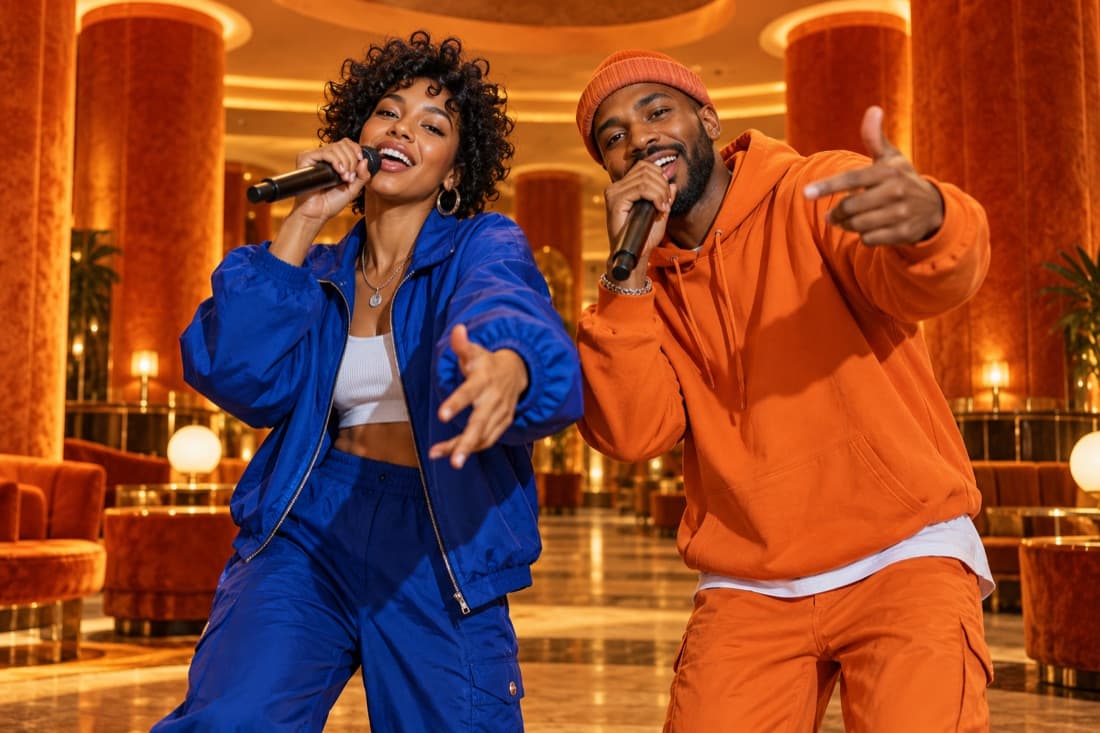
Hotel Lobby
Stage inspiration
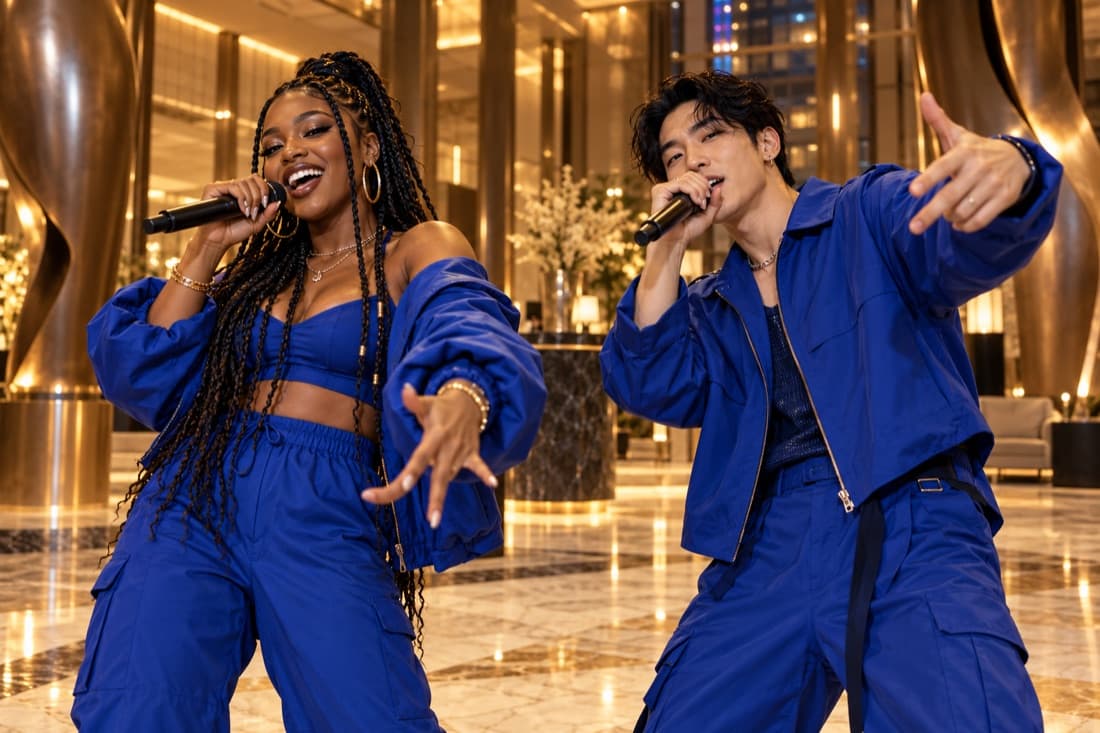
Luxury lobby
Stage inspiration
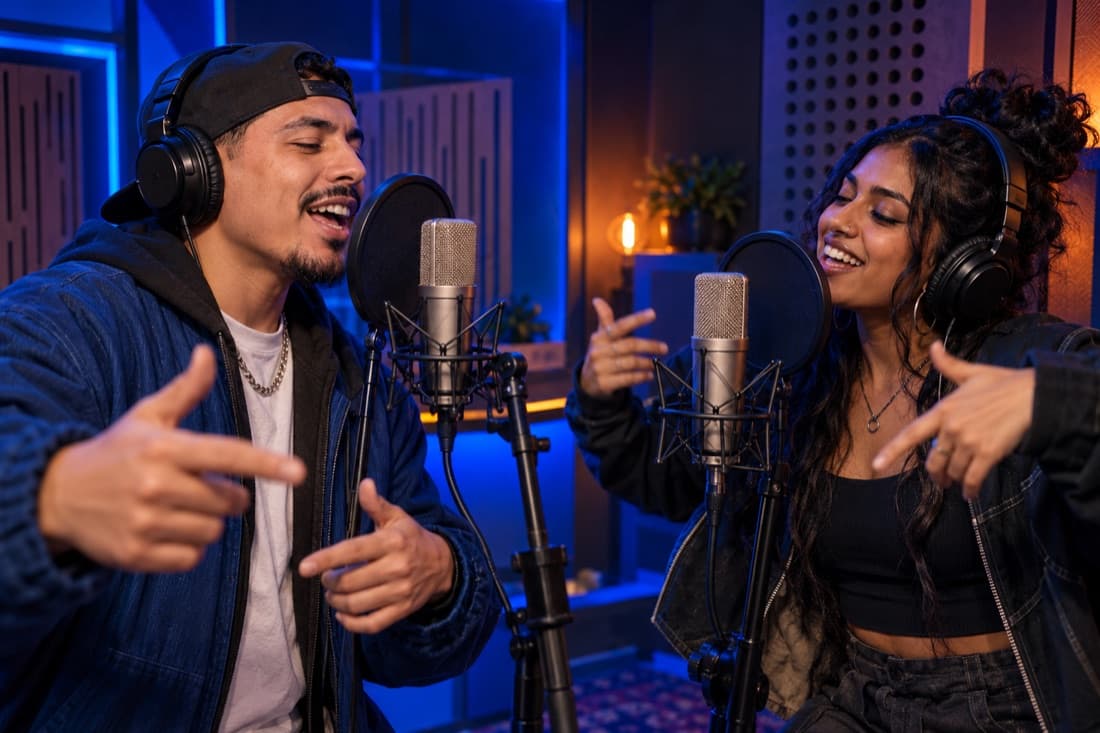
Recording booth
Stage inspiration
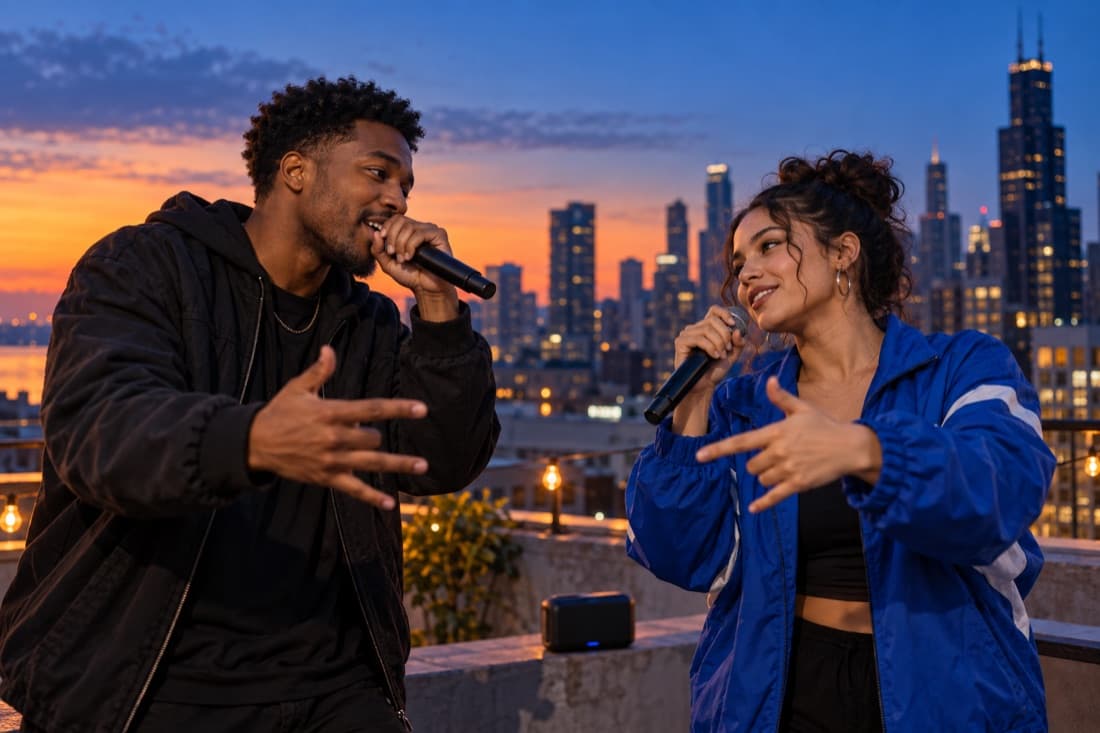
Street cypher
Stage inspiration
ViewMax · Hotel Lobby demo
RapDuo / STUDIO
A photo becomes a performance
Choose two photos and a short idea. Turn them into an original rap performance.
Rapduo combines your reference photos with an original scene, movement and generated audio. Bring a friend into the story and make a short clip you can keep or share.
Create our videoFrom selfies to your first verse
Choose your cast, set the mood and let the studio handle the performance.
Bring your two faces
Add separate portraits or one photo with both people clearly visible.
Choose the atmosphere
Pick a stage, set the video format and add a short topic if you want a personal story.
Play and share
Follow the render in your library, watch the result and download your finished clip.
A duo for every occasion
Best friend energy
Turn a shared memory into a performance you can send back to the group chat.
A duet for two
Celebrate an anniversary or give your partner a surprise with a new soundtrack.
Birthday headliners
Make the guest of honour the star with a personal topic and a familiar co-star.
The unexpected duo
Bring siblings, colleagues or your favourite two people together on a new stage.
Built around your next idea
Faces from your photos
Separate portraits make it easy to create together even when you are apart.
An original performance
Generate a fresh scene and audio rather than reusing a recording of a famous song.
Four stage directions
Choose the atmosphere that suits your story, from a booth to a street performance.
A format for your feed
Select a vertical, square or landscape frame before generating.
A visible credit estimate
Review the cost for your chosen settings before starting a paid render.
A library you can return to
Your account keeps track of renders and finished videos in one place.
Make a small rap performance around a clear creative brief
A rap maker is useful when you have a premise but do not yet have a performance. This editor starts with photo references and turns a concise topic into an original two-person audiovisual scene. The pair can celebrate an achievement, introduce a fictional act or trade lines about a shared habit. Your brief supplies the reason for the performance; the model develops its own wording, movement and delivery.
Start with the smallest version of the idea. Two friends announcing that they finally finished a weekend project is easier to follow than a complete story about how they met, planned it and solved every problem. A short video has room for one memorable subject and a response, so choose the detail you most want the viewer to notice.
Build the brief from subject, mood and relationship
Use three ingredients: what the pair is rapping about, how the performance should feel and how the two people relate to each other. A subject might be finishing a first race; the mood might be proud and playful; the relationship might be two friends who trained together. This gives the generator a coherent direction without asking you to write an entire song.
Add one concrete image when the topic feels too broad. A muddy pair of shoes, a nearly empty snack bag or the last lap before sunrise can make an achievement easier to picture. Leave out details that do not support the main premise. If you want to explore another version, change the mood or central image while keeping the cast consistent.
Choose the production settings that serve the idea
Use two clear portraits or a group photo with the intended pair. Select a stage that gives the premise a setting: a recording booth for a focused session, a luxury lobby for a polished reveal, a street scene for casual energy or the orange stage for theatrical contrast. The photo references guide identity, and the stage supplies the shared performance space.
Select a supported model, duration, resolution and frame shape before creating. A short clip suits a single introduction, while a longer available setting allows more back-and-forth. Choose 9:16 for a tall phone composition or 16:9 when you want more room around both performers. Check the credit quote after changing these settings so you know the cost of that take.
Treat the finished clip as a creative take
Listen to the result and watch how the two performers share the scene. Look for a clear premise, coherent movement and an exchange that fits the relationship in your topic. The generated words may differ from the brief, and the tool does not include a line-by-line audio production timeline. Your decision should come from the finished performance rather than the prompt alone.
Keep the take that communicates the idea most clearly. If you create another version, revise one meaningful choice so you can understand what changed. Completed files remain available through your account’s video history for playback and download. Add your own title or caption when a specific name, date or phrase needs to appear exactly, and describe the clip as an original AI-created performance.
Rap Maker · Questions before your first video
Questions before your first video
Explore the studio
Give your next memory a soundtrack
Make a birthday, reunion or ordinary Tuesday feel like your duo’s opening night.
Open the studio