Your photos, a new performance
Migos AI
Explore the duo performance aesthetic with your own faces, a new scene and original generated audio.
Made in your browser · Original generated audio · Credits shown before you create
Build your rap duo
Choose your photos and a setting. Review the credit estimate before rendering.
Keep both faces clear and well lit. Use photos with permission. JPEG, PNG, WebP · 8 MB
I have permission to use the people and photos in this video.
The stage is yours
Explore four settings for your next shared performance.
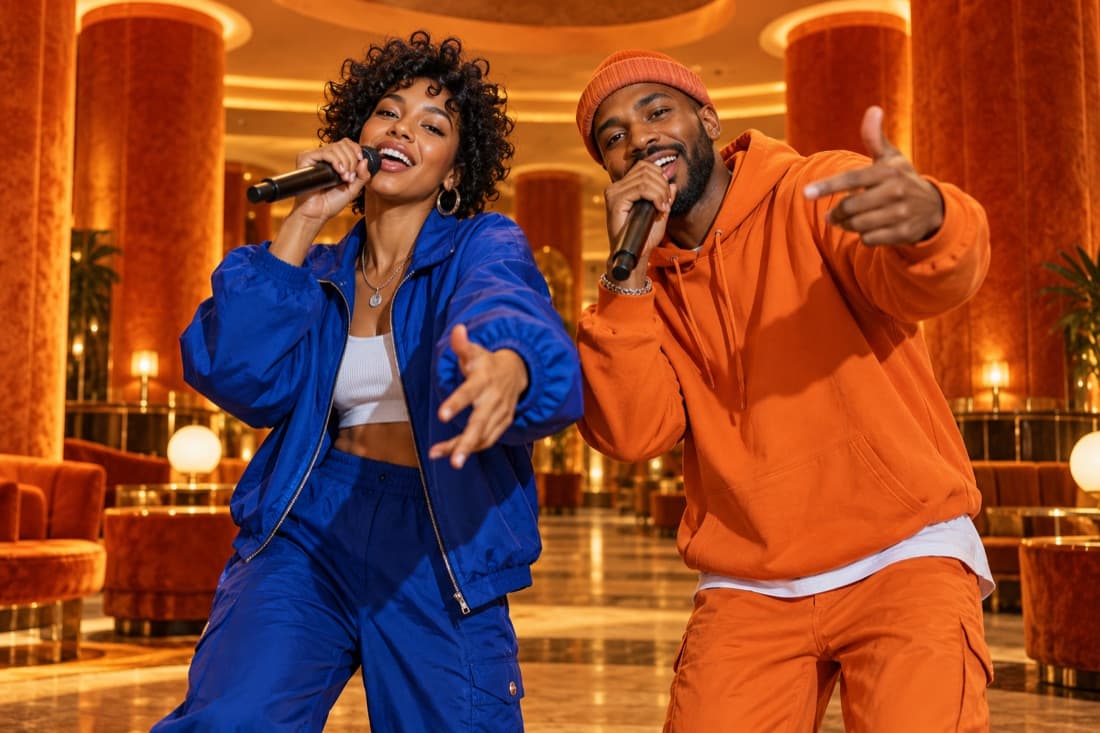
Hotel Lobby
Stage inspiration
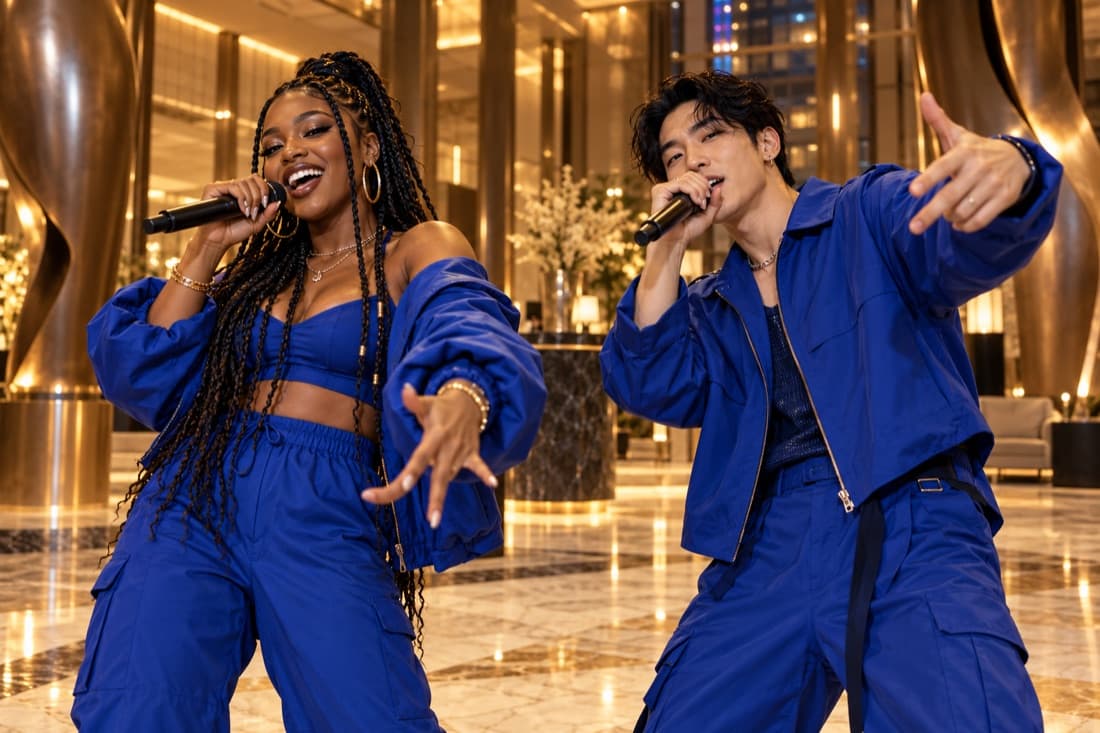
Luxury lobby
Stage inspiration
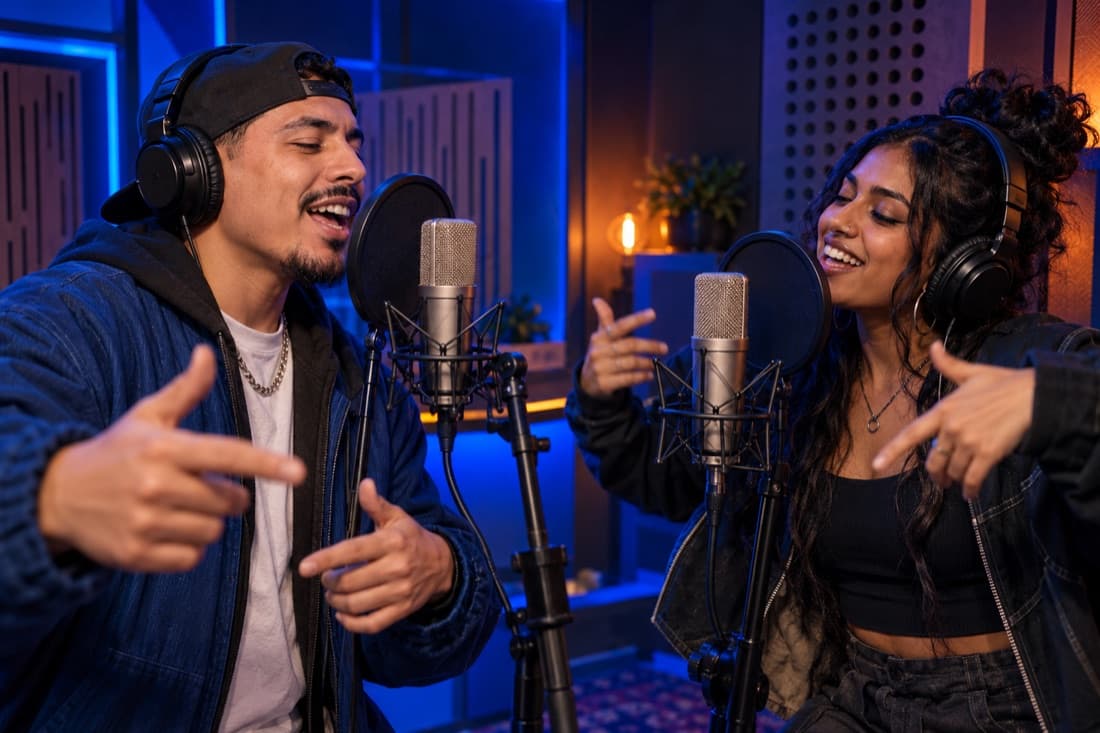
Recording booth
Stage inspiration
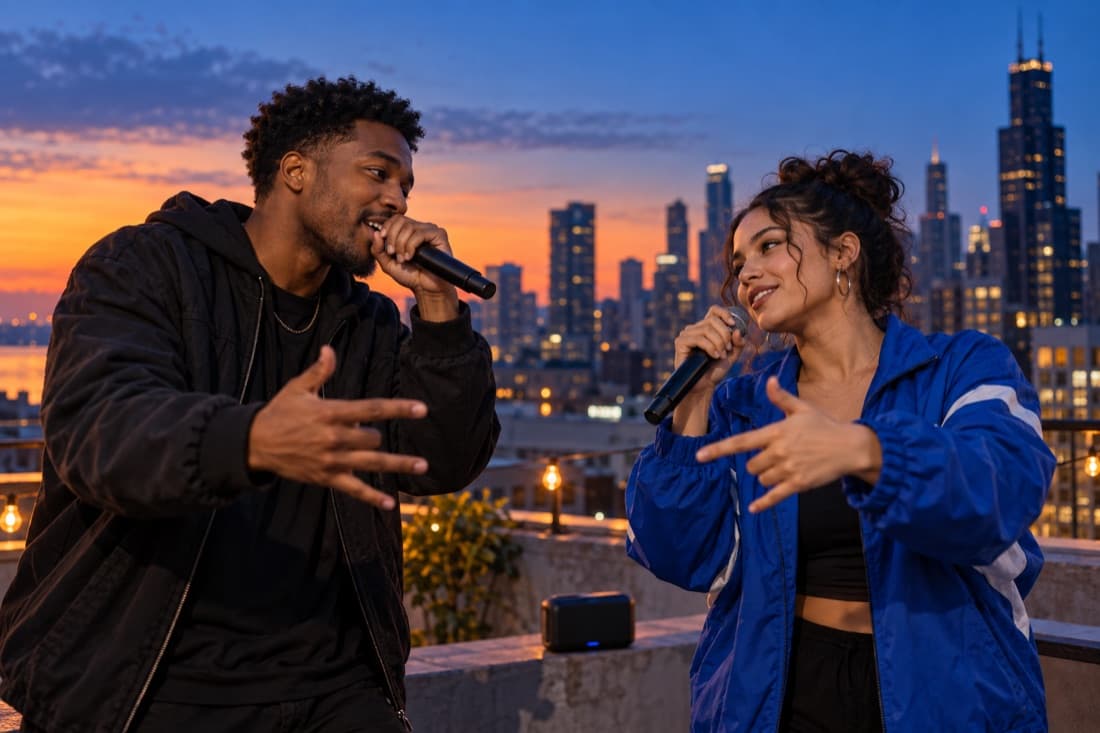
Street cypher
Stage inspiration
ViewMax · Hotel Lobby demo
RapDuo / STUDIO
A photo becomes a performance
Explore the duo performance aesthetic with your own faces, a new scene and original generated audio.
Rapduo combines your reference photos with an original scene, movement and generated audio. Bring a friend into the story and make a short clip you can keep or share.
Create our videoFrom selfies to your first verse
Choose your cast, set the mood and let the studio handle the performance.
Bring your two faces
Add separate portraits or one photo with both people clearly visible.
Choose the atmosphere
Pick a stage, set the video format and add a short topic if you want a personal story.
Play and share
Follow the render in your library, watch the result and download your finished clip.
A duo for every occasion
Best friend energy
Turn a shared memory into a performance you can send back to the group chat.
A duet for two
Celebrate an anniversary or give your partner a surprise with a new soundtrack.
Birthday headliners
Make the guest of honour the star with a personal topic and a familiar co-star.
The unexpected duo
Bring siblings, colleagues or your favourite two people together on a new stage.
Built around your next idea
Faces from your photos
Separate portraits make it easy to create together even when you are apart.
An original performance
Generate a fresh scene and audio rather than reusing a recording of a famous song.
Four stage directions
Choose the atmosphere that suits your story, from a booth to a street performance.
A format for your feed
Select a vertical, square or landscape frame before generating.
A visible credit estimate
Review the cost for your chosen settings before starting a paid render.
A library you can return to
Your account keeps track of renders and finished videos in one place.
What the Migos AI search term means here
People searching for Migos AI are often looking for a two-person rap performance with a bright stage, a suspended microphone and playful energy. This page offers an unofficial creative variation on that visual idea. You supply the faces, choose a setting and receive a newly generated performance featuring your chosen pair. The focus is the chemistry between those people, rather than a claim that a named artist took part.
This tool is not an official Migos product, an endorsement or a source of authentic celebrity vocals. Its generation direction calls for original music and original voices. Names associated with the trend explain the aesthetic people are searching for; they do not mean the output contains the original artists, a copied recording or a verified recreation of their performance.
Turn a recognizable visual idea into a personal scene
Start with portraits of two people who make an interesting pairing: cousins with opposite tastes, friends who finish each other’s sentences or coworkers celebrating the end of a difficult project. Describe what connects them in a single topic. The viewer should understand the joke or celebration without needing to know the history behind a famous music video.
The orange stage gives the pair a strong visual center. The luxury setting changes the mood toward a polished celebration, while the studio scene makes the performance feel like a shared recording session. The street setting suits a lively, casual exchange. Changing the stage provides a useful creative direction without asking the model to impersonate a specific artist.
Choose photos that keep both people recognizable
Pick two photographs with similar clarity and enough visible facial detail. One sharp reference and one tiny cropped screenshot can give the model uneven information. Front-facing portraits are easy to read, but a small natural head turn can work when the eyes and facial outline remain visible. Use a group image only when the two intended subjects stand out clearly.
For a first version, choose a supported ten-second setting and a simple topic such as a friendly contest over who planned the better weekend. Review the cost, submit the pair and wait for the job status to change. Higher resolution can produce a larger finished file, but it does not guarantee perfect resemblance or a particular vocal performance.
Make the caption as original as the video
A good caption identifies your duo and the occasion. Write that two roommates became a rap act for moving day, or that a family rivalry has reached the microphone. Present the clip as an AI-created performance so a viewer understands why familiar people are appearing in a stylized scene. Avoid captions that suggest the artists named in the trend recorded it for you.
Listen through the whole result before publishing, particularly if the topic includes somebody’s name or an inside joke. Generated words can differ from your intended phrasing. Keep a version only when the joke remains understandable and friendly. The ViewMax Hotel Lobby sample on this site is a demonstration of the general style; it is separate from every video you create.
Migos AI · Questions before your first video
Questions before your first video
Explore the studio
Give your next memory a soundtrack
Make a birthday, reunion or ordinary Tuesday feel like your duo’s opening night.
Open the studio