Your photos, a new performance
Hotel Lobby AI
Put your duo on a clean studio stage and create an original photo-to-rap performance.
Made in your browser · Original generated audio · Credits shown before you create
Build your rap duo
Choose your photos and a setting. Review the credit estimate before rendering.
Keep both faces clear and well lit. Use photos with permission. JPEG, PNG, WebP · 8 MB
I have permission to use the people and photos in this video.
The stage is yours
Explore four settings for your next shared performance.
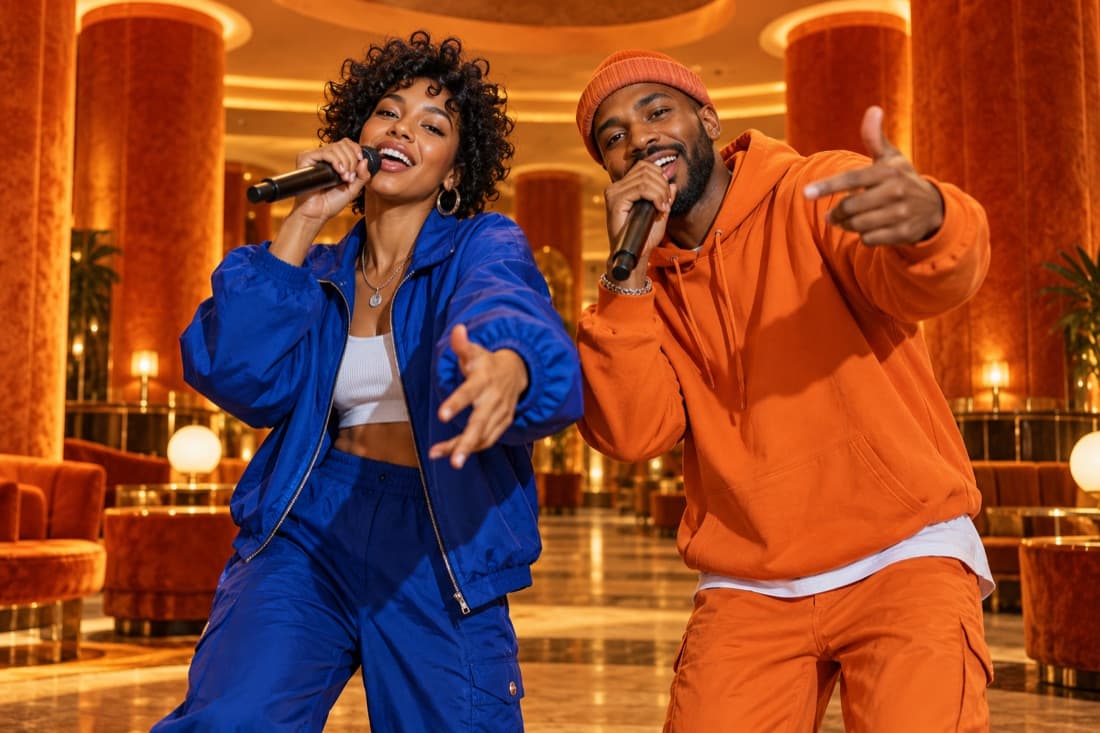
Hotel Lobby
Stage inspiration
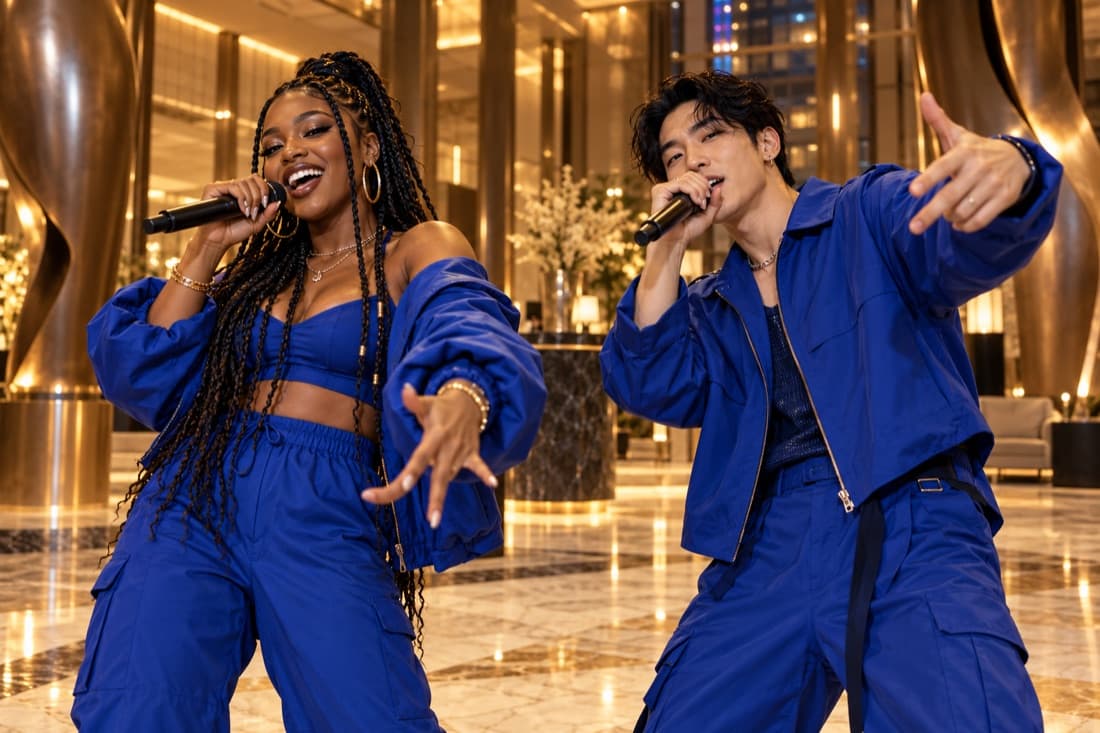
Luxury lobby
Stage inspiration
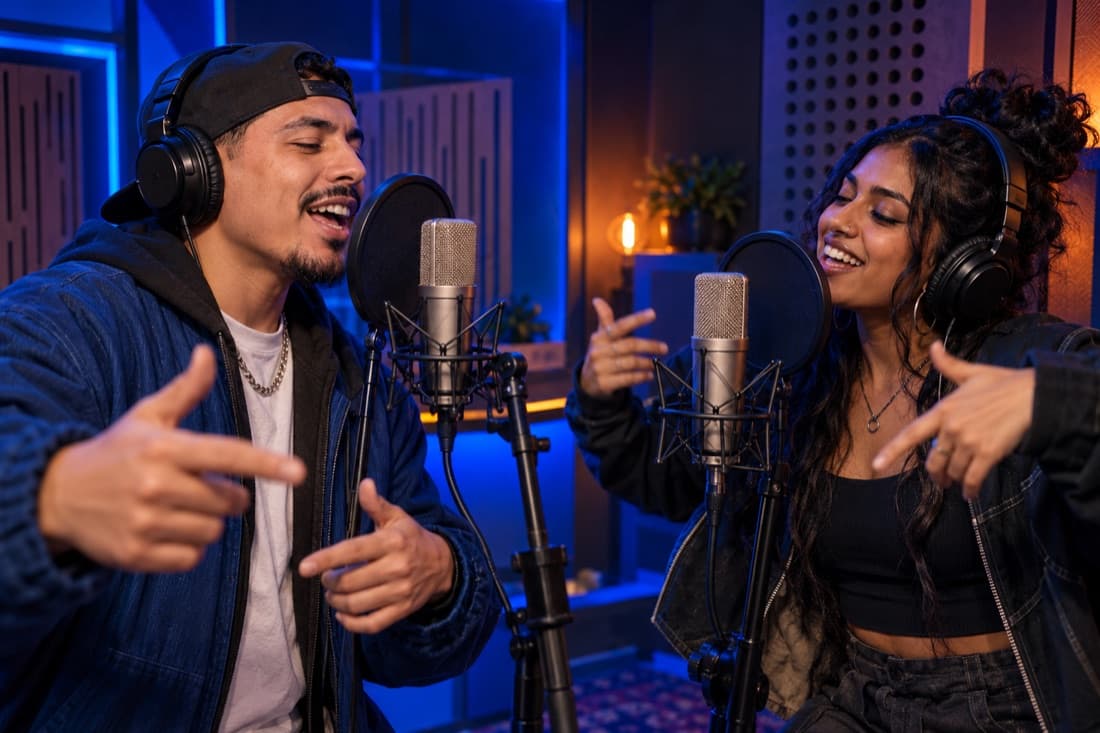
Recording booth
Stage inspiration
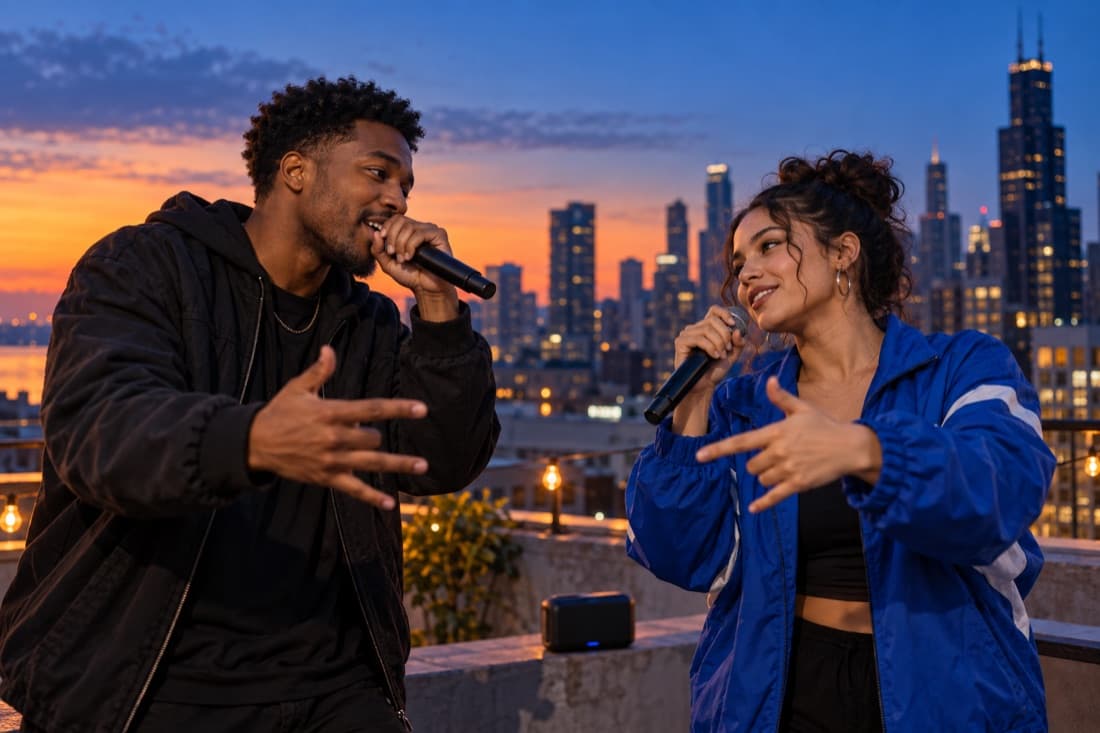
Street cypher
Stage inspiration
ViewMax · Hotel Lobby demo
RapDuo / STUDIO
A photo becomes a performance
Put your duo on a clean studio stage and create an original photo-to-rap performance.
Rapduo combines your reference photos with an original scene, movement and generated audio. Bring a friend into the story and make a short clip you can keep or share.
Create our videoFrom selfies to your first verse
Choose your cast, set the mood and let the studio handle the performance.
Bring your two faces
Add separate portraits or one photo with both people clearly visible.
Choose the atmosphere
Pick a stage, set the video format and add a short topic if you want a personal story.
Play and share
Follow the render in your library, watch the result and download your finished clip.
A duo for every occasion
Best friend energy
Turn a shared memory into a performance you can send back to the group chat.
A duet for two
Celebrate an anniversary or give your partner a surprise with a new soundtrack.
Birthday headliners
Make the guest of honour the star with a personal topic and a familiar co-star.
The unexpected duo
Bring siblings, colleagues or your favourite two people together on a new stage.
Built around your next idea
Faces from your photos
Separate portraits make it easy to create together even when you are apart.
An original performance
Generate a fresh scene and audio rather than reusing a recording of a famous song.
Four stage directions
Choose the atmosphere that suits your story, from a booth to a street performance.
A format for your feed
Select a vertical, square or landscape frame before generating.
A visible credit estimate
Review the cost for your chosen settings before starting a paid render.
A library you can return to
Your account keeps track of renders and finished videos in one place.
A Hotel Lobby inspired stage for your own duo
A Hotel Lobby AI video places two familiar faces inside an original rap performance with an orange stage, theatrical styling and a microphone between the performers. The appeal comes from the pairing: people who usually meet at work, at home or in a group chat suddenly share the spotlight. Two separate portrait uploads let you build that pairing even when you do not have a recent photo together.
The generator creates a new performance from your photo references and the scene direction. It asks for an original beat and original vocals, rather than attaching an existing commercial recording. Facial resemblance, gestures and timing can vary between renders, so watch the completed clip with its sound on before deciding which version to share.
Prepare the two photos and choose your framing
Use one clear portrait of each person, with the face visible and enough space around the head and shoulders. Soft daylight and an uncomplicated background give the references a clear subject. Avoid screenshots covered by stickers, strong beauty filters, heavy shadows or sunglasses that hide most of the face. A single group photo is another option when both intended performers are easy to identify.
Choose 9:16 when you want a tall clip for a phone screen, 1:1 for a square composition or 16:9 for a wider two-person shot. The wide option gives outfits and hand movements more room; the tall option brings the duo closer to the viewer. The editor shows which resolutions and lengths are available for the selected model.
Give the performance one memorable idea
A short clip works best when it has one recognizable premise. Tell the generator that two siblings are competing over the last slice of pizza, that old classmates are celebrating a reunion or that two friends are announcing their next road trip. A specific detail helps the performance feel personal without requiring a long script.
Keep the topic concise and leave room for the performers to trade lines. A ten-second clip gives the pair room to establish a rhythm and exchange a short response. Keep the idea focused on the durations currently available in the editor. Check the displayed credit quote after changing duration or quality, then submit the version that fits your idea.
Review the demo and share your original version
The Hotel Lobby demonstration shown on this site is a ViewMax demo video. It illustrates a staged duo performance and is not presented as a customer result or a preview made from your uploads. Your own generation starts only after you submit your photos and settings through your signed-in account.
When your video is ready, look at each face, the space between the performers and the way the vocals fit the action. Small visual changes can be part of a generated result. Download the completed video from your history and write a caption that explains the pairing. If the generation fails, its reserved credits are restored; a successful result remains a completed generation even if you prefer to make another creative version.
Hotel Lobby AI · Questions before your first video
Questions before your first video
Explore the studio
Give your next memory a soundtrack
Make a birthday, reunion or ordinary Tuesday feel like your duo’s opening night.
Open the studio