Your photos, a new performance
AI Rap Battle Generator
Give two friends a playful back-and-forth performance around a topic you choose.
Made in your browser · Original generated audio · Credits shown before you create
Build your rap duo
Choose your photos and a setting. Review the credit estimate before rendering.
Keep both faces clear and well lit. Use photos with permission. JPEG, PNG, WebP · 8 MB
I have permission to use the people and photos in this video.
The stage is yours
Explore four settings for your next shared performance.
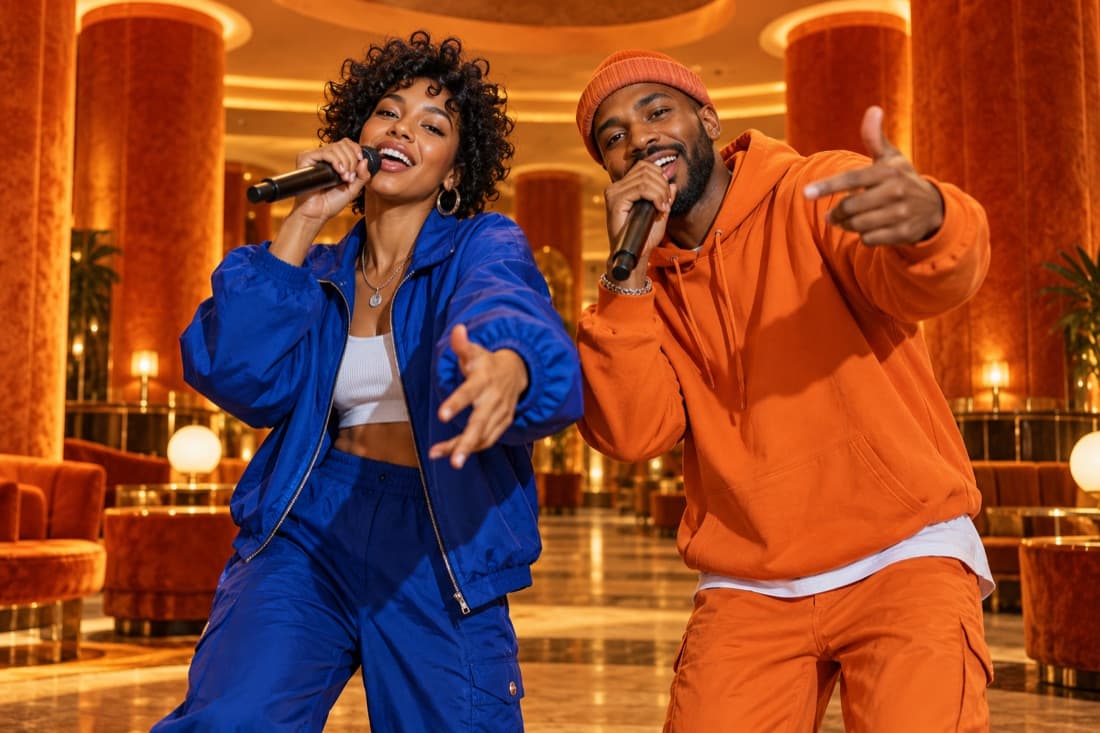
Hotel Lobby
Stage inspiration
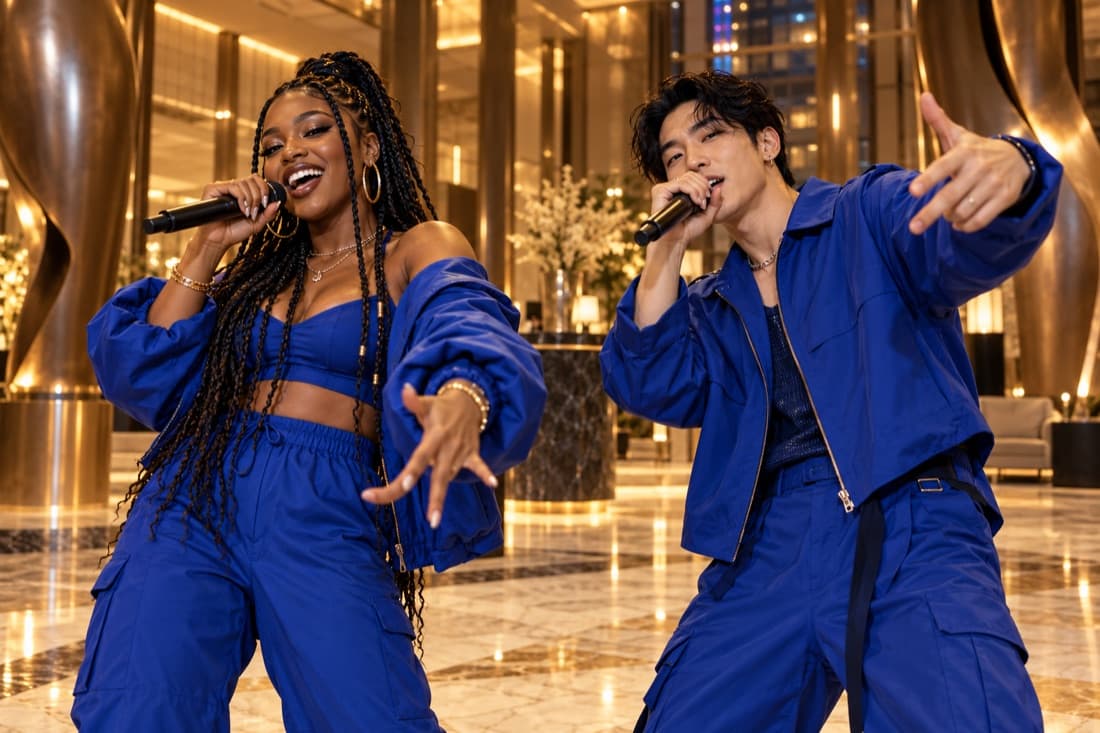
Luxury lobby
Stage inspiration
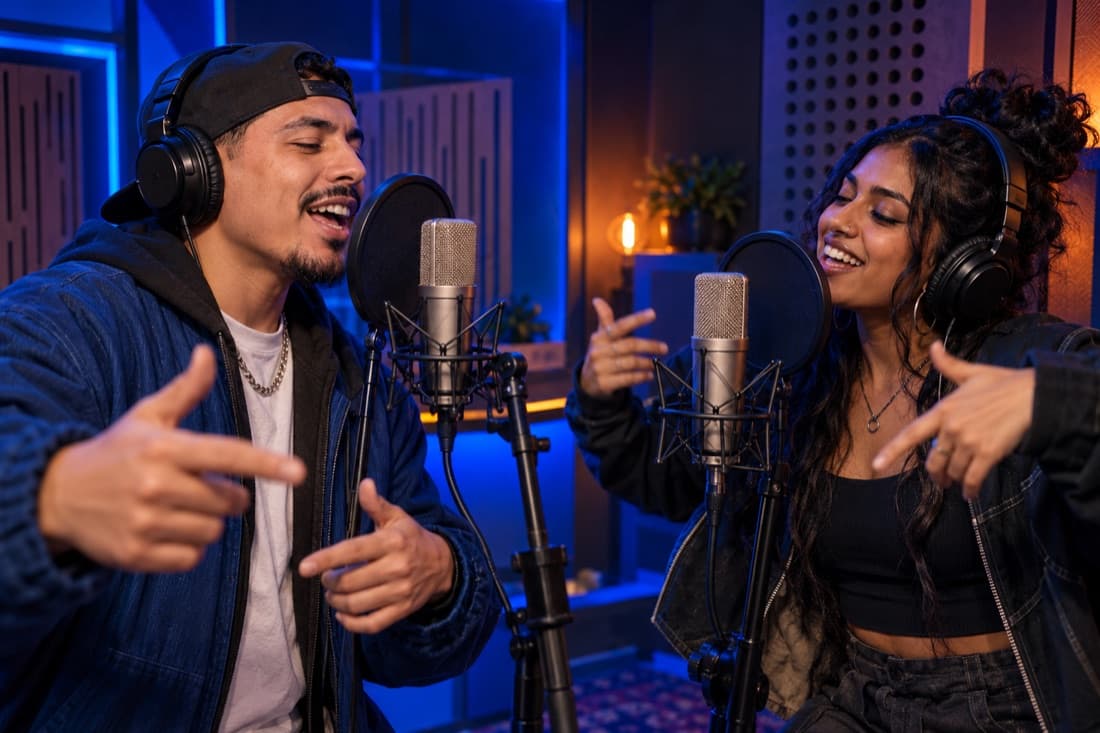
Recording booth
Stage inspiration
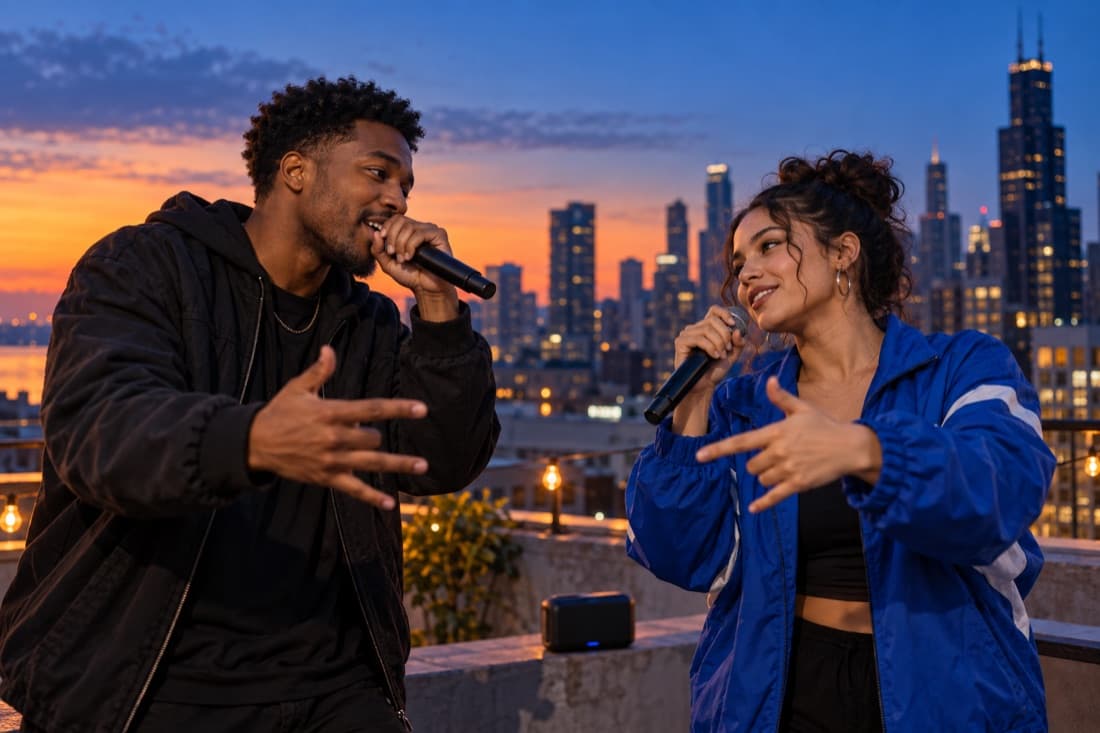
Street cypher
Stage inspiration
ViewMax · Hotel Lobby demo
RapDuo / STUDIO
A photo becomes a performance
Give two friends a playful back-and-forth performance around a topic you choose.
Rapduo combines your reference photos with an original scene, movement and generated audio. Bring a friend into the story and make a short clip you can keep or share.
Create our videoFrom selfies to your first verse
Choose your cast, set the mood and let the studio handle the performance.
Bring your two faces
Add separate portraits or one photo with both people clearly visible.
Choose the atmosphere
Pick a stage, set the video format and add a short topic if you want a personal story.
Play and share
Follow the render in your library, watch the result and download your finished clip.
A duo for every occasion
Best friend energy
Turn a shared memory into a performance you can send back to the group chat.
A duet for two
Celebrate an anniversary or give your partner a surprise with a new soundtrack.
Birthday headliners
Make the guest of honour the star with a personal topic and a familiar co-star.
The unexpected duo
Bring siblings, colleagues or your favourite two people together on a new stage.
Built around your next idea
Faces from your photos
Separate portraits make it easy to create together even when you are apart.
An original performance
Generate a fresh scene and audio rather than reusing a recording of a famous song.
Four stage directions
Choose the atmosphere that suits your story, from a booth to a street performance.
A format for your feed
Select a vertical, square or landscape frame before generating.
A visible credit estimate
Review the cost for your chosen settings before starting a paid render.
A library you can return to
Your account keeps track of renders and finished videos in one place.
Build a rap battle around a friendly disagreement
A rap battle works when two performers have clear positions and a reason to answer each other. The photo-to-video workflow gives those roles to two people you choose, then asks for an original exchange over a generated beat. For a personal clip, a harmless rivalry often provides a stronger premise than a long list of insults. Breakfast preferences, game-night habits and who controls the playlist are easy for an audience to understand.
Write the conflict in one sentence: one friend insists every road trip needs a plan while the other wants to improvise. That sentence gives the exchange a direction and lets both people have a point of view. A battle becomes more entertaining when the second performer can respond, rather than simply stand beside a one-sided speech.
Set up a two-person scene that reads clearly
Upload a clear portrait for each side of the battle, or a group picture showing the intended pair. Choose a stage that matches the energy. The street scene suggests a relaxed cypher; the studio scene gives the exchange a shared recording setting. An orange stage makes the performers easy to notice, while the luxury setting can turn an everyday disagreement into an exaggerated occasion.
Keep the photo references free of busy overlays and obscured faces. A wide 16:9 composition gives gestures space, while 9:16 makes the performers prominent on a phone. Select a length the chosen model supports, then check the credit quote. A short exchange usually benefits from a single setup, a response and a final reaction.
Use specific jokes with room for a comeback
The best personal battle topic names a behavior everyone involved recognizes. A friend who arrives with three bags for a one-night stay, a sibling who treats every board game like a championship or a teammate who celebrates before the match ends gives the generator a concrete image. Make the contrast understandable without exposing somebody’s private life.
Give the other performer a fair comeback. The careful planner can joke about the improviser getting lost, and the improviser can answer that the planner scheduled their own laughter. That balance creates a shared joke instead of making one person the target. Review the generated language carefully because the final phrasing can differ from the topic you supplied.
Choose video when the reaction is part of the joke
A written battle is useful for drafting wordplay. A performance video adds faces, pauses, hand gestures and the second person’s response. Choose the video format when the pairing itself makes the idea funny, such as two people with completely different personalities sharing one microphone. The generated scene gives the audience a visual introduction before they hear the exchange.
Before sending the result to a group chat, watch it once as somebody unfamiliar with the story. Check that the topic is clear and that both participants would recognize the joke as friendly. Download the version you want from your finished results. If you change the premise and create another version, its own settings and credit quote apply.
AI Rap Battle Generator · Questions before your first video
Questions before your first video
Explore the studio
Give your next memory a soundtrack
Make a birthday, reunion or ordinary Tuesday feel like your duo’s opening night.
Open the studio