Your photos, a new performance
AI Diss Track Generator
Create a good-natured roast for consenting friends with original AI verses and video.
Made in your browser · Original generated audio · Credits shown before you create
Build your rap duo
Choose your photos and a setting. Review the credit estimate before rendering.
Keep both faces clear and well lit. Use photos with permission. JPEG, PNG, WebP · 8 MB
I have permission to use the people and photos in this video.
The stage is yours
Explore four settings for your next shared performance.
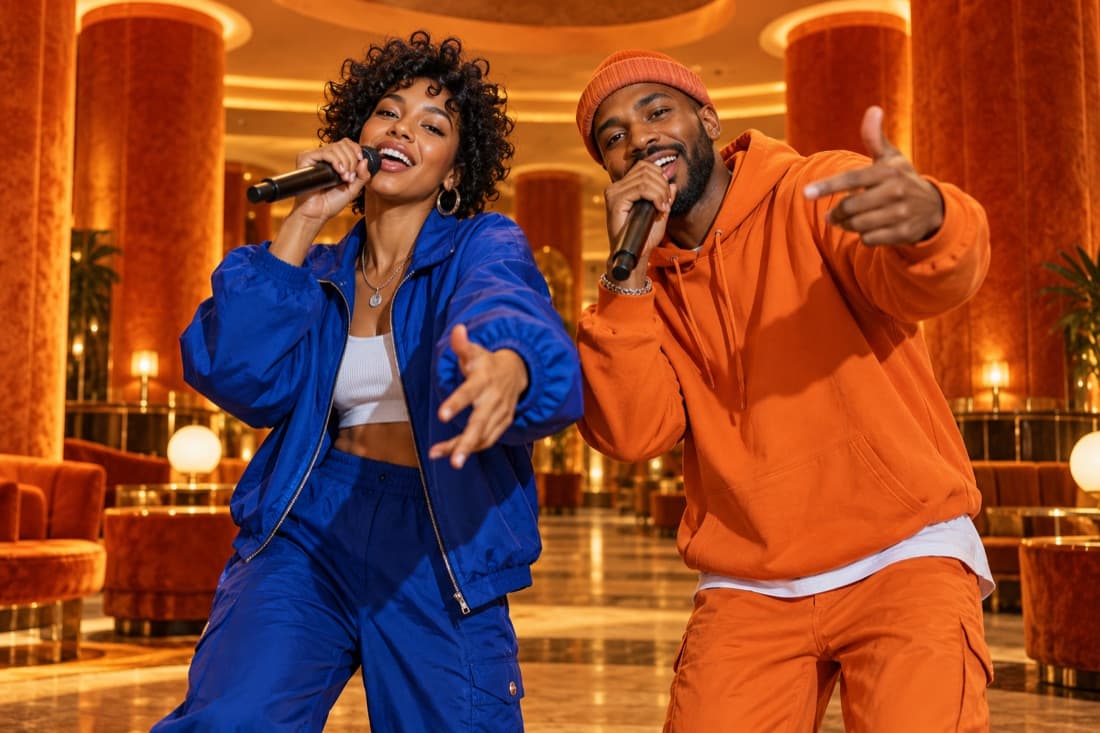
Hotel Lobby
Stage inspiration
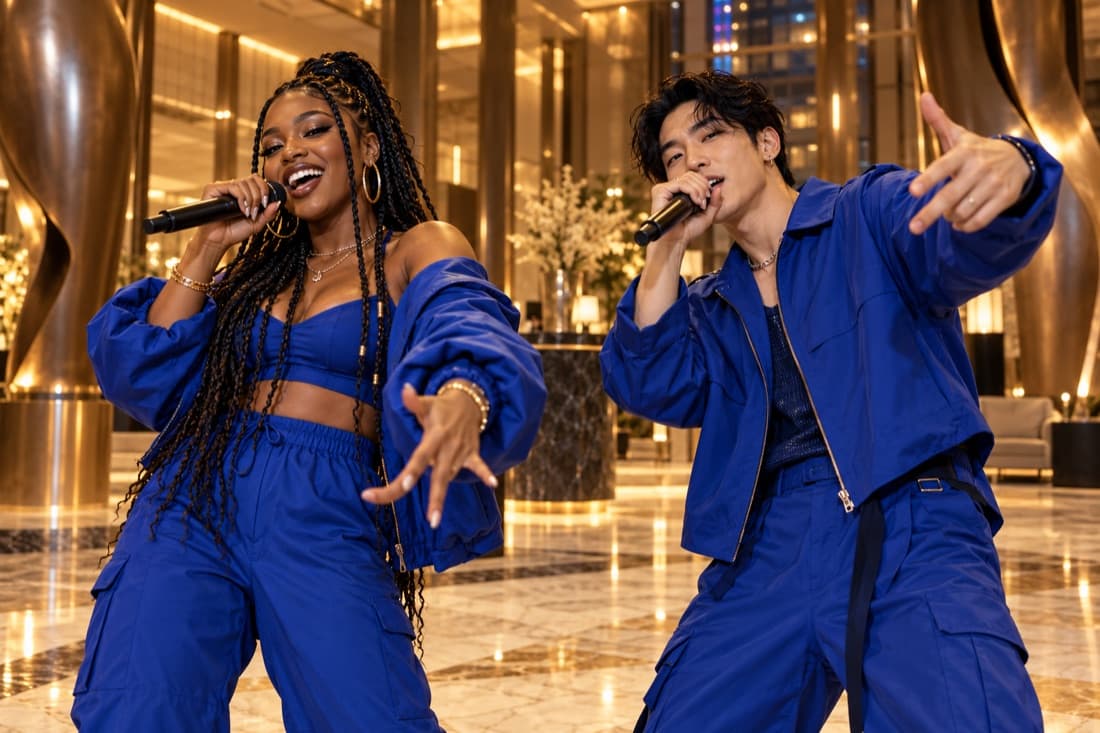
Luxury lobby
Stage inspiration
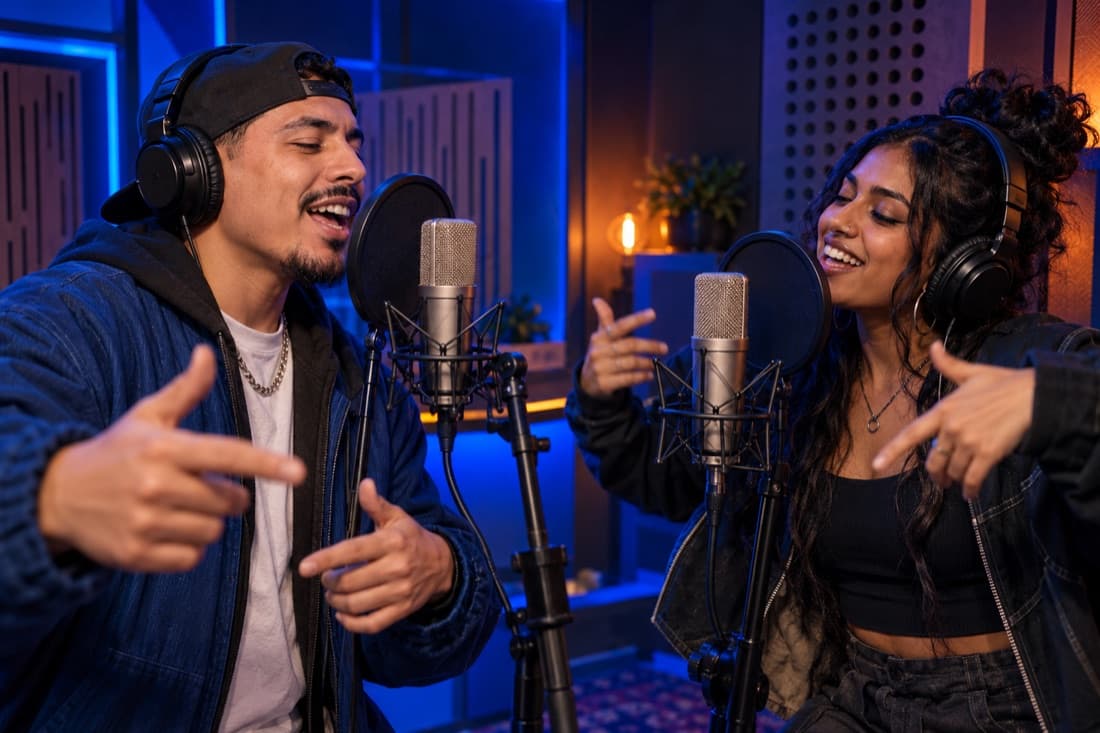
Recording booth
Stage inspiration
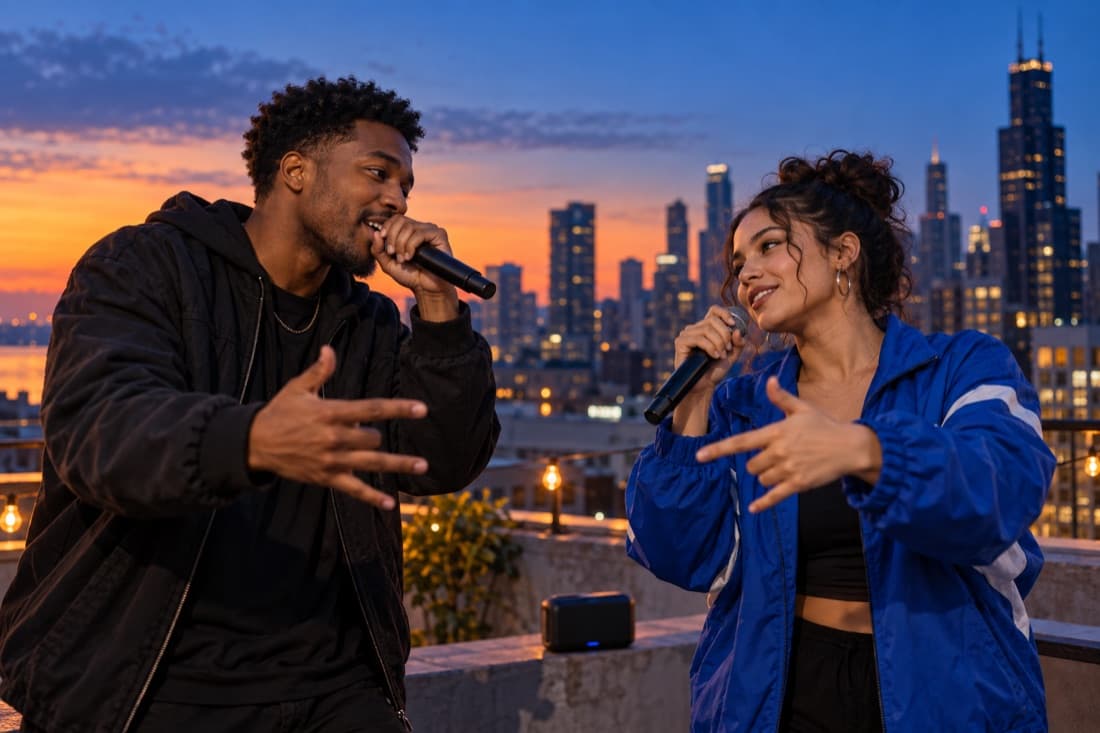
Street cypher
Stage inspiration
ViewMax · Hotel Lobby demo
RapDuo / STUDIO
A photo becomes a performance
Create a good-natured roast for consenting friends with original AI verses and video.
Rapduo combines your reference photos with an original scene, movement and generated audio. Bring a friend into the story and make a short clip you can keep or share.
Create our videoFrom selfies to your first verse
Choose your cast, set the mood and let the studio handle the performance.
Bring your two faces
Add separate portraits or one photo with both people clearly visible.
Choose the atmosphere
Pick a stage, set the video format and add a short topic if you want a personal story.
Play and share
Follow the render in your library, watch the result and download your finished clip.
A duo for every occasion
Best friend energy
Turn a shared memory into a performance you can send back to the group chat.
A duet for two
Celebrate an anniversary or give your partner a surprise with a new soundtrack.
Birthday headliners
Make the guest of honour the star with a personal topic and a familiar co-star.
The unexpected duo
Bring siblings, colleagues or your favourite two people together on a new stage.
Built around your next idea
Faces from your photos
Separate portraits make it easy to create together even when you are apart.
An original performance
Generate a fresh scene and audio rather than reusing a recording of a famous song.
Four stage directions
Choose the atmosphere that suits your story, from a booth to a street performance.
A format for your feed
Select a vertical, square or landscape frame before generating.
A visible credit estimate
Review the cost for your chosen settings before starting a paid render.
A library you can return to
Your account keeps track of renders and finished videos in one place.
Give a playful diss a clear target
A playful diss track turns an everyday rivalry into an exaggerated performance. In this editor, two portraits guide the performers and a short topic supplies the premise. Pick a behavior or friendly disagreement that the people involved already laugh about. The person who claims every board-game victory, keeps borrowing the charger or insists they are the best cook offers a concrete setup.
Keep the target close to that shared joke. A harmless habit can support wordplay without turning the clip into a claim about somebody’s private life. Describe a friendly roast and give the second performer room to respond. The generation direction requests original lyrics and music, so the performance becomes a new creative exchange around your idea.
Write an opening that makes the premise obvious
Start your topic with the rivalry, then add a single vivid example. Two roommates battling over who leaves more dishes in the sink is clearer than asking for the harshest possible diss. The example gives the viewer a recognizable image before the performance develops. A brief can also mention that both performers should remain playful and finish on a shared laugh.
A good comeback uses the same premise from the other person’s perspective. The roommate accused of leaving dishes can answer that the other one holds a meeting about every spoon. This creates an exchange with a recognizable structure: accusation, response and mutual reaction. You do not need to write a long verse before trying the idea.
Pick a visual setting for the rivalry
The street setting gives a diss exchange an informal cypher mood. A studio booth frames it as two people trading lines during a recording session. The orange stage can make a trivial disagreement feel intentionally dramatic, while the luxury lobby adds a polished setting to an everyday joke. Use clear photographs so both identities have useful references.
Choose the video length and frame shape after defining the premise. A short clip suits a quick accusation and reaction; a longer supported setting gives the exchange more room. Wide framing keeps both performers’ gestures visible, and vertical framing brings the pair closer on a phone screen. The displayed credit quote changes with your selected output settings.
Keep the roast shareable for the people in it
Listen to the finished result before posting. Generated wording can move beyond the small joke you intended, so check that the clip remains friendly and understandable. Avoid using somebody’s appearance, medical history, personal finances or private relationships as material. A public post reaches people who may not know the friendship behind the exchange.
A useful final check is whether both performers could enjoy being shown the video without needing a long explanation. If the premise feels too personal, simplify it to a shared activity such as games, cooking or travel. Present the clip as an AI-created performance and choose your audience deliberately. Your completed result can be replayed and downloaded from account history.
AI Diss Track Generator · Questions before your first video
Questions before your first video
Explore the studio
Give your next memory a soundtrack
Make a birthday, reunion or ordinary Tuesday feel like your duo’s opening night.
Open the studio