Your photos, a new performance
AI Rapper
Put yourself and your co-star in the frame for a new AI rap performance.
Made in your browser · Original generated audio · Credits shown before you create
Build your rap duo
Choose your photos and a setting. Review the credit estimate before rendering.
Keep both faces clear and well lit. Use photos with permission. JPEG, PNG, WebP · 8 MB
I have permission to use the people and photos in this video.
The stage is yours
Explore four settings for your next shared performance.
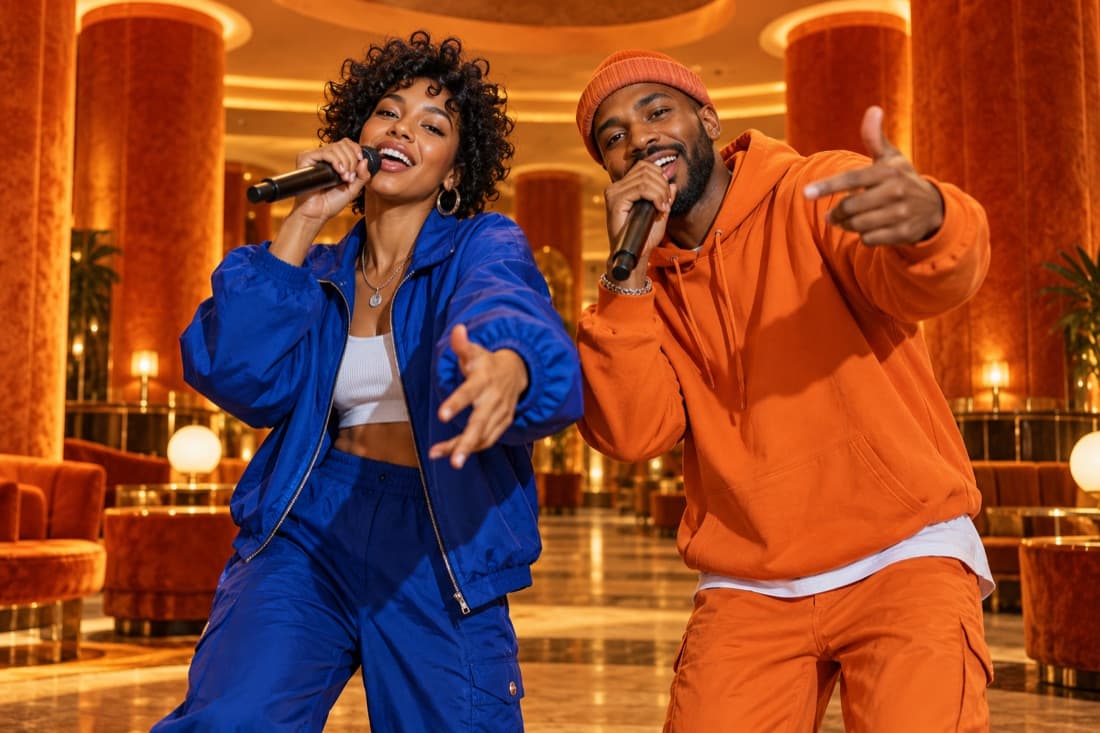
Hotel Lobby
Stage inspiration
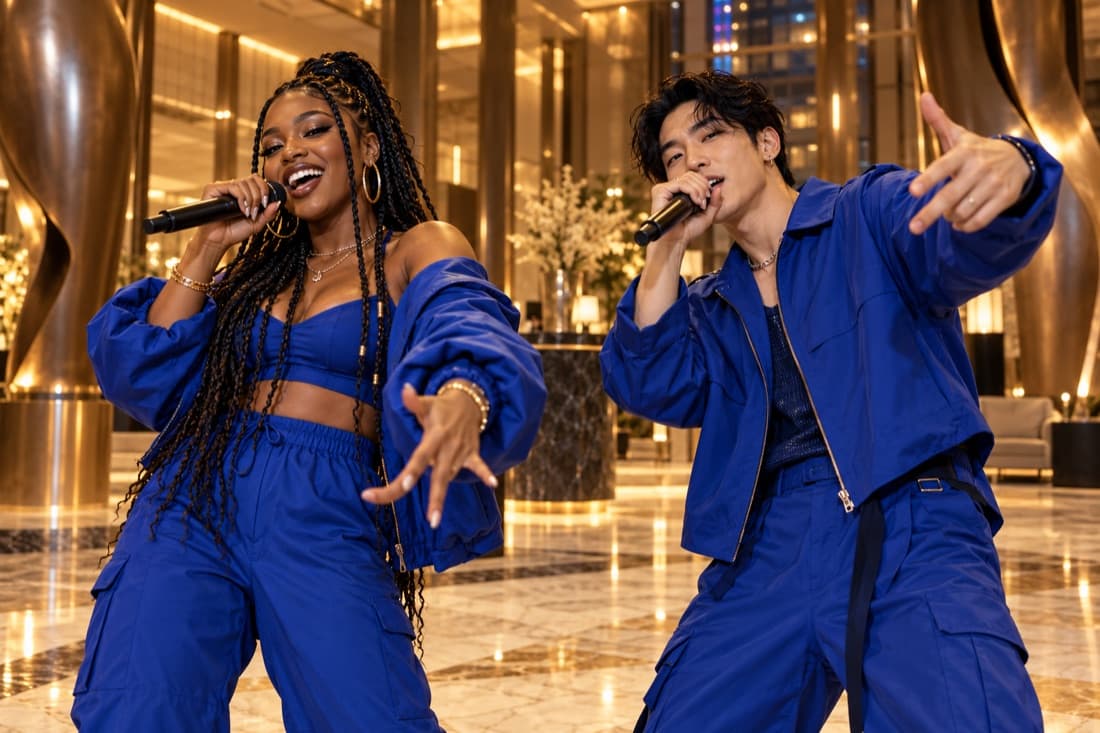
Luxury lobby
Stage inspiration
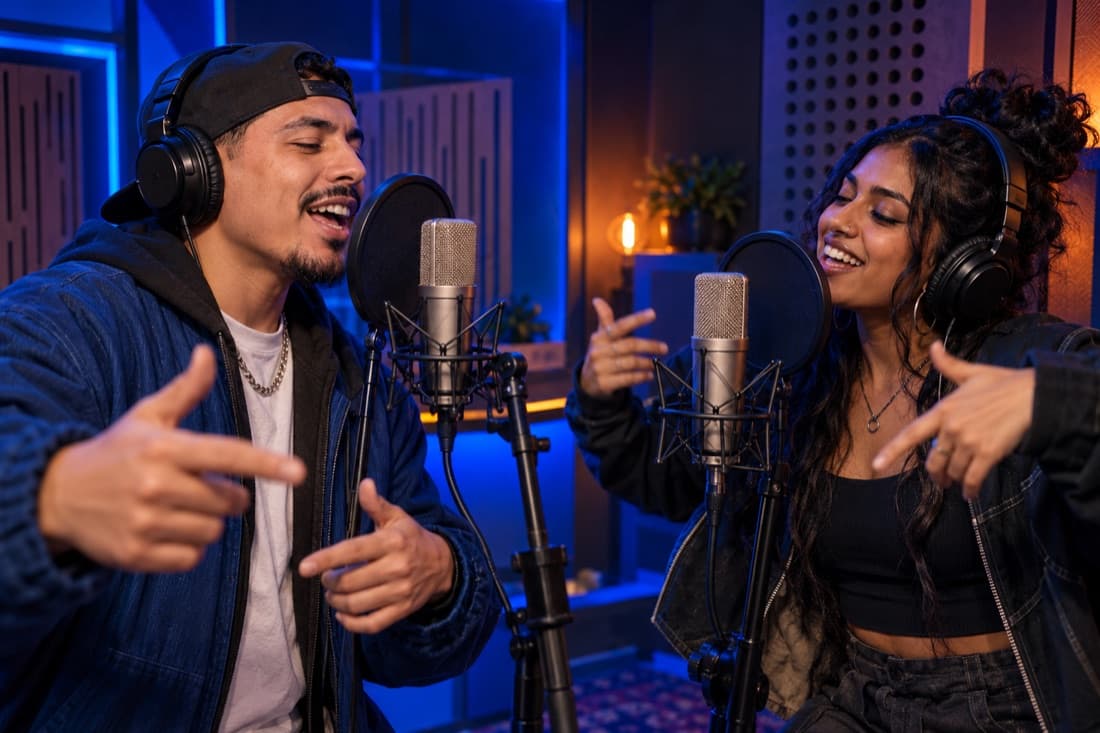
Recording booth
Stage inspiration
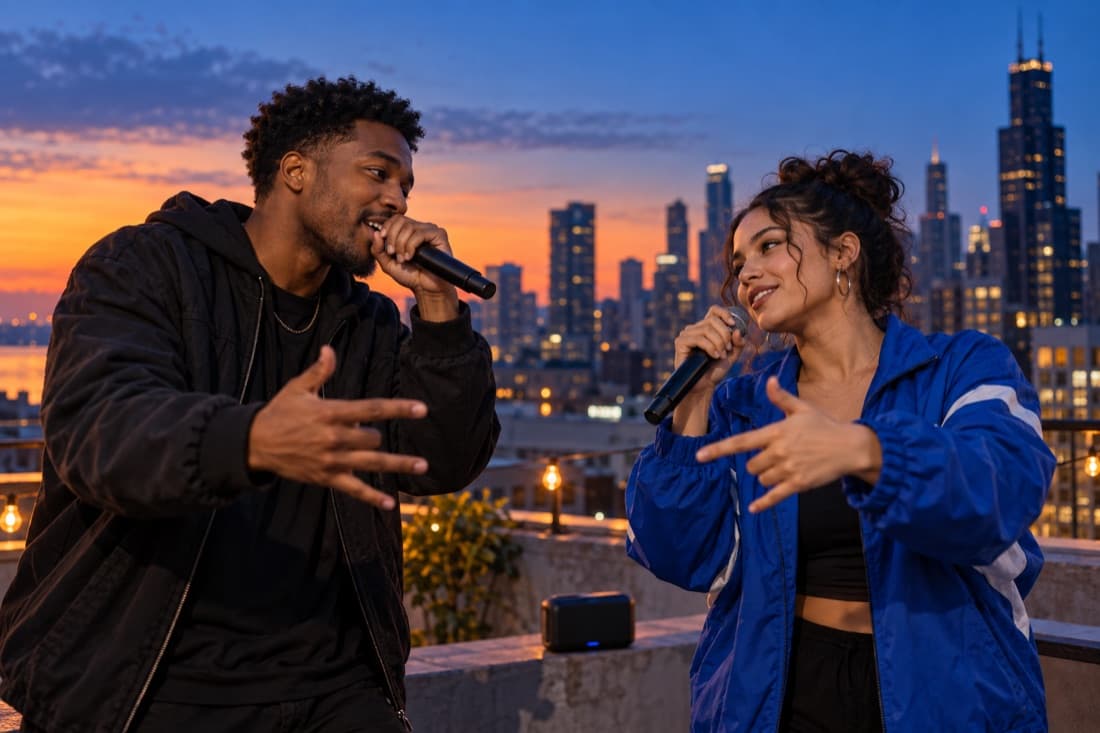
Street cypher
Stage inspiration
ViewMax · Hotel Lobby demo
RapDuo / STUDIO
A photo becomes a performance
Put yourself and your co-star in the frame for a new AI rap performance.
Rapduo combines your reference photos with an original scene, movement and generated audio. Bring a friend into the story and make a short clip you can keep or share.
Create our videoFrom selfies to your first verse
Choose your cast, set the mood and let the studio handle the performance.
Bring your two faces
Add separate portraits or one photo with both people clearly visible.
Choose the atmosphere
Pick a stage, set the video format and add a short topic if you want a personal story.
Play and share
Follow the render in your library, watch the result and download your finished clip.
A duo for every occasion
Best friend energy
Turn a shared memory into a performance you can send back to the group chat.
A duet for two
Celebrate an anniversary or give your partner a surprise with a new soundtrack.
Birthday headliners
Make the guest of honour the star with a personal topic and a familiar co-star.
The unexpected duo
Bring siblings, colleagues or your favourite two people together on a new stage.
Built around your next idea
Faces from your photos
Separate portraits make it easy to create together even when you are apart.
An original performance
Generate a fresh scene and audio rather than reusing a recording of a famous song.
Four stage directions
Choose the atmosphere that suits your story, from a booth to a street performance.
A format for your feed
Select a vertical, square or landscape frame before generating.
A visible credit estimate
Review the cost for your chosen settings before starting a paid render.
A library you can return to
Your account keeps track of renders and finished videos in one place.
Put familiar faces into an original rapper scene
An AI rapper video lets you explore a stage persona without recording a live performance. Your photos guide the two people on screen, while the scene direction requests original rap vocals, an instrumental and coordinated movement. The result is a newly generated interpretation of the pair. It is useful for a playful reveal, a personal celebration or a fictional duo introduction.
Think of the persona as a small creative role. A usually quiet friend can become the confident host of a studio session, while the friend who organizes every gathering can become the energetic hype partner. Describe those roles through the occasion and mood, then let the performance develop around the two photo references.
Start with a role that suits the person
A convincing idea often keeps something recognizable about each performer. Use their friendly rivalry, shared hobby or contrasting habits as the basis for the scene. Two runners celebrating a completed route, siblings announcing a family dinner or friends introducing their weekend project can all provide a clear reason for a rap performance.
The stage changes how that role feels. A recording booth suggests concentration, a street setting suggests an informal exchange and a luxury lobby creates a polished entrance. The orange stage can turn the pair into an intentionally theatrical act. Pick the setting before adding extra directions so the visual idea and the performance share one mood.
Use portraits as appearance references, not voice recordings
Choose clear, recent photos that show each person’s face. Moderate lighting and a simple crop make the references easy to read. You can upload two separate portraits or one group photograph with both intended performers visible. Check the photo pairing before submission; the first and second portrait guide the two distinct identities in the performance.
A face photograph does not provide a recording of somebody’s voice. This tool requests generated original vocals, so it does not promise that your real speaking voice or a celebrity voice will be reproduced. Review the sound as part of a fictional AI-created performance, and make the context clear when you share a clip featuring recognizable people.
Create a first take and decide what to refine
Begin with a short, focused topic and the model settings that fit your budget. The editor lists the supported durations, resolutions and frame shapes, and shows the credit cost before you create. A vertical frame brings the duo close to a phone viewer; a wider frame makes more room for costumes and gestures.
After the job completes, check resemblance, movement and delivery together. Decide whether the next idea needs a different scene, a clearer topic or a simpler pairing. Change one of those choices instead of adding a long list of corrections. Your completed takes stay in your account history for playback and download, so you can compare the creative results before selecting one.
AI Rapper · Questions before your first video
Questions before your first video
Explore the studio
Give your next memory a soundtrack
Make a birthday, reunion or ordinary Tuesday feel like your duo’s opening night.
Open the studio