Two photos. One original rap performance.
AI Rap Generator: Your Duo in a Video
Use our AI rap generator to turn two photos and a topic into a rap duo AI video. Choose a scene, create original performance audio and download the clip.
Made in your browser · Original generated audio · Credits shown before you create
Create your rap duo AI video
Upload your photos and choose a stage. Check your selected model, quality, duration and credit quote before generating.
Keep both faces clear and well lit. Use photos with permission.
JPEG, PNG, WebP · 8 MB
I have permission to use the people and photos in this video.
Your uploads are used to process your request. Read our privacy policy for details.
The stage is yours
Explore four settings for your next shared performance.
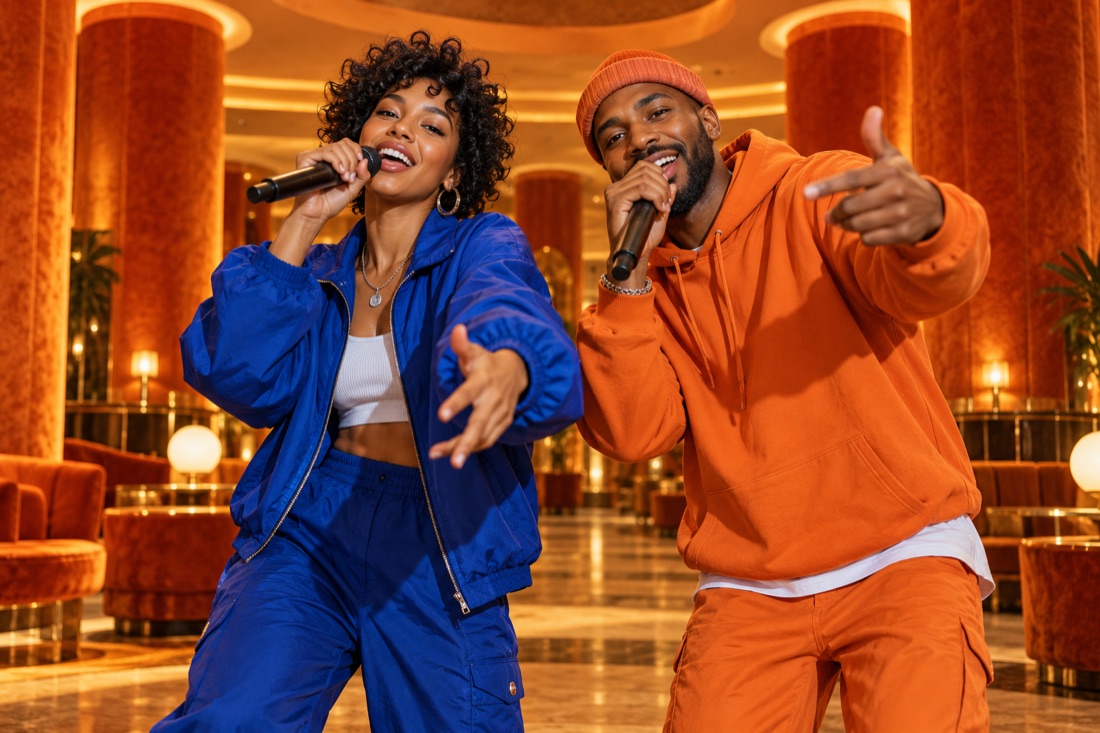 Stage inspiration
Hotel Lobby
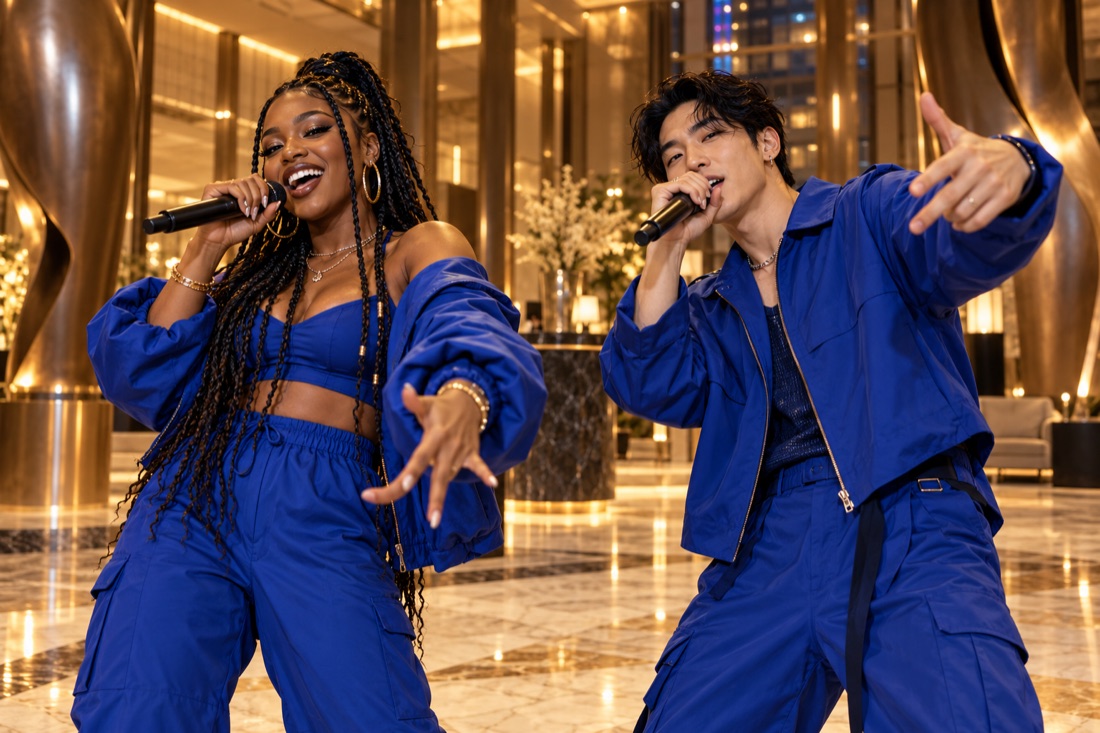 Stage inspiration
Luxury lobby
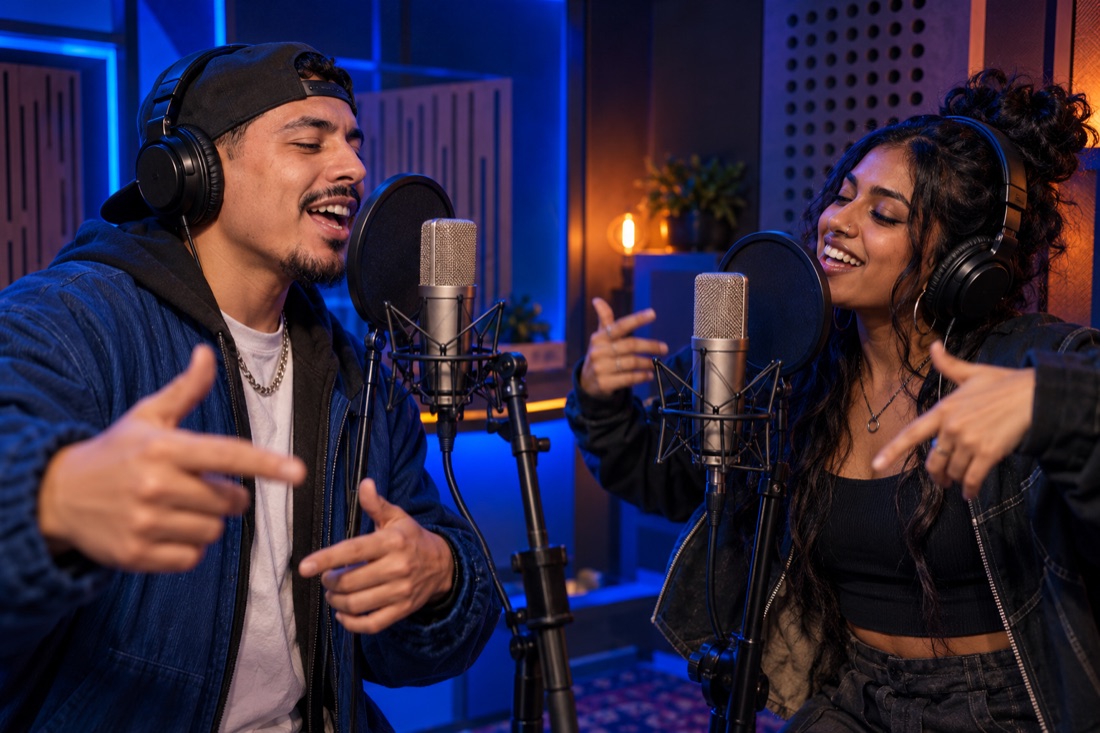 Stage inspiration
Recording booth
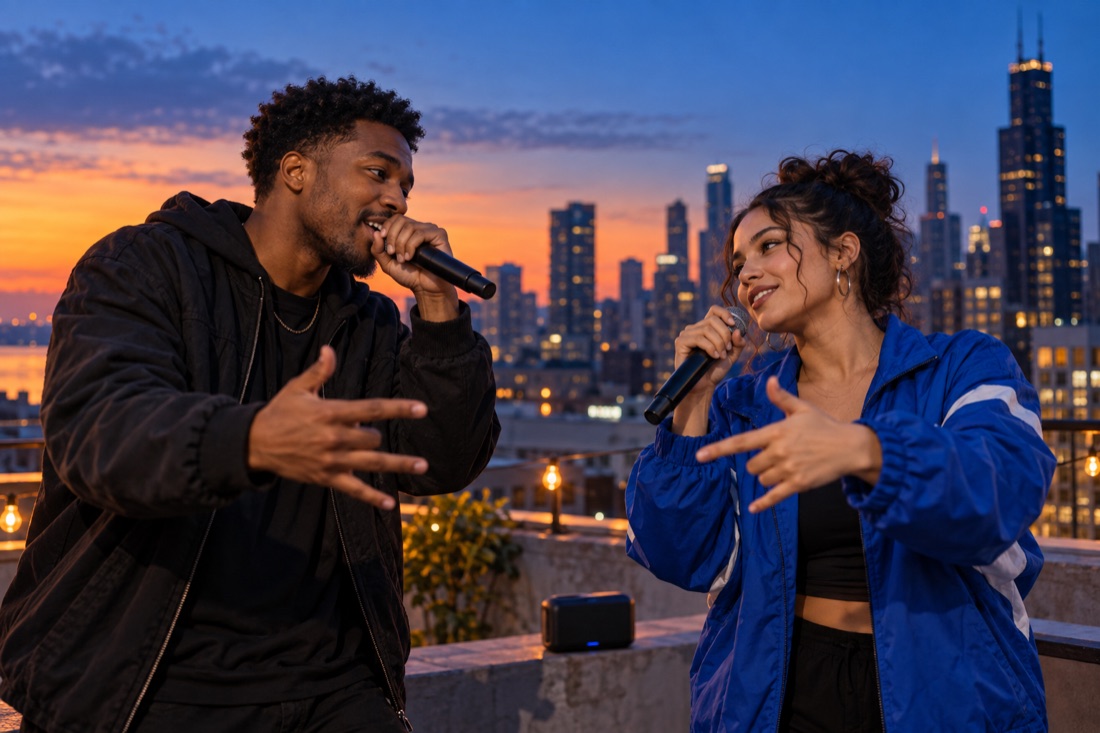 Stage inspiration
Street cypher
ViewMax · Hotel Lobby demo
RapDuo / STUDIO
From a rap idea to a duo AI video
Use our AI rap generator to turn two photos and a topic into a rap duo AI video. Choose a scene, create original performance audio and download the clip.
A rap duo AI video puts two people from your photos into a new musical performance. RapDuo generates the scene, movement and original audio together, so you can start with familiar faces and one idea instead of recording a song or filming a music video.
Use two clear portraits when you are in different places, or one photo that shows both participants. Choose a lobby, studio or street setting, then describe a birthday, reunion or friendly joke. The result is an AI interpretation: review the faces, wording and sound before downloading or sharing your clip.
Upload photos you have permission to use, choose the scene and frame, and enter a short rap topic. Check the resolution and credit estimate before generating. Follow the task in your library, then watch and download the finished video.
Create our rap video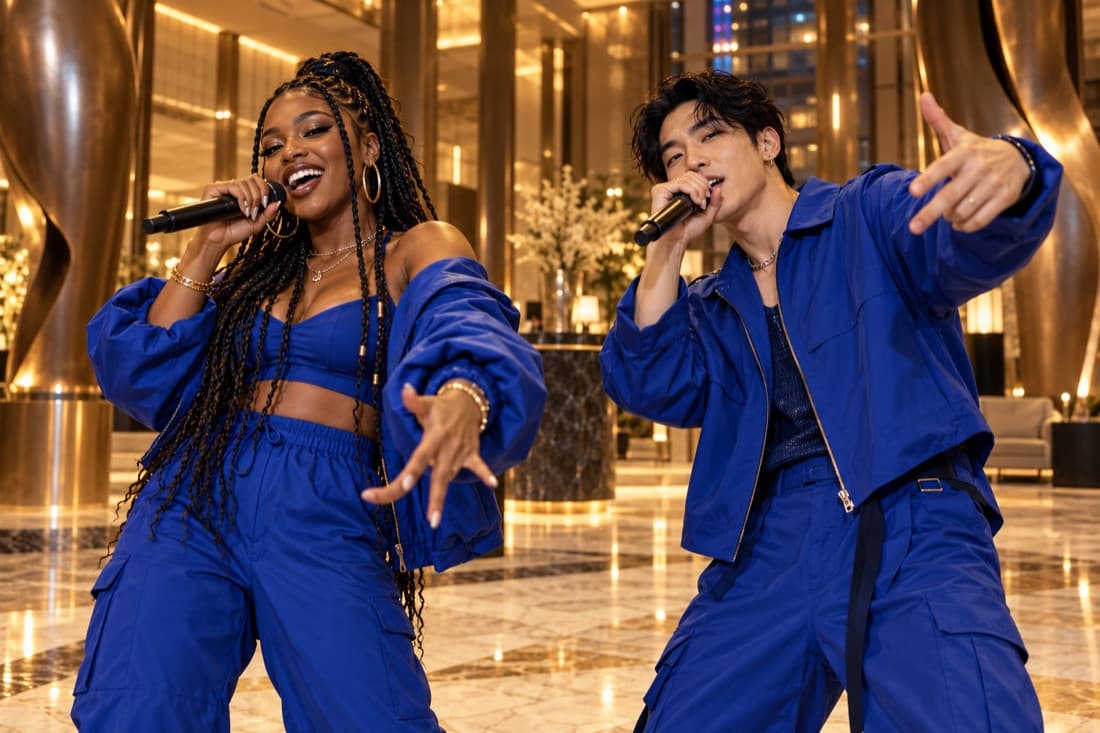
How to make a rap duo AI video
- 01Bring your two facesAdd separate portraits or one photo with both people clearly visible.
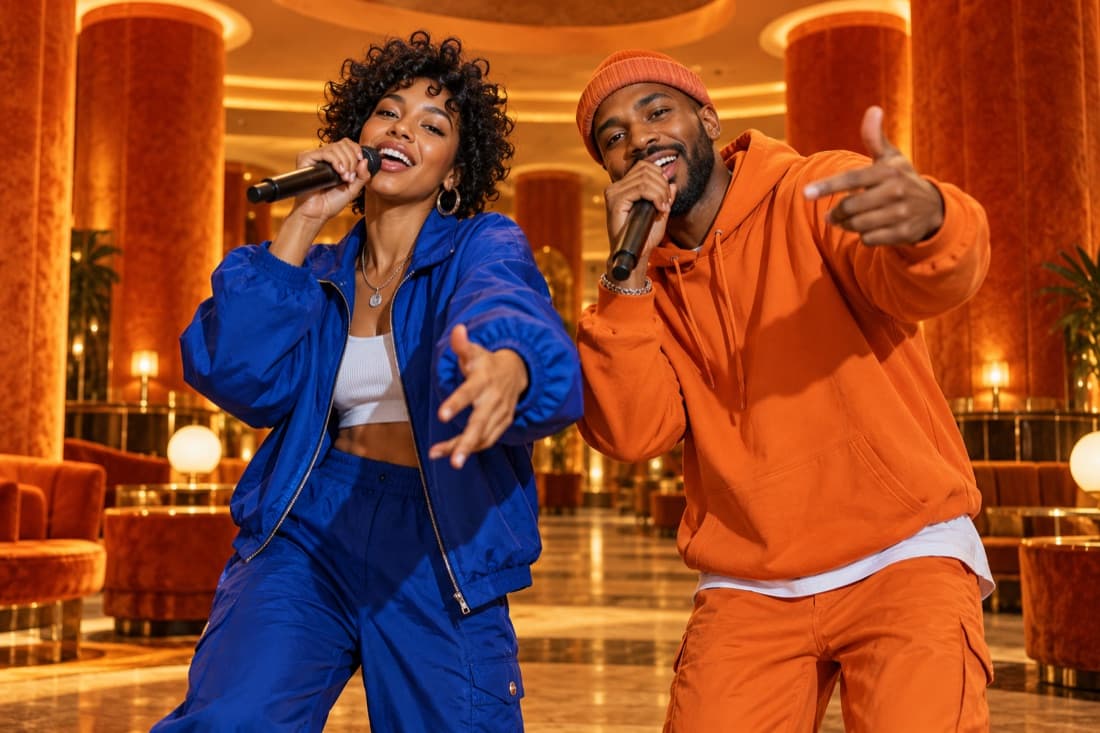
- 02Choose the atmospherePick a stage, set the video format and add a short topic if you want a personal story.
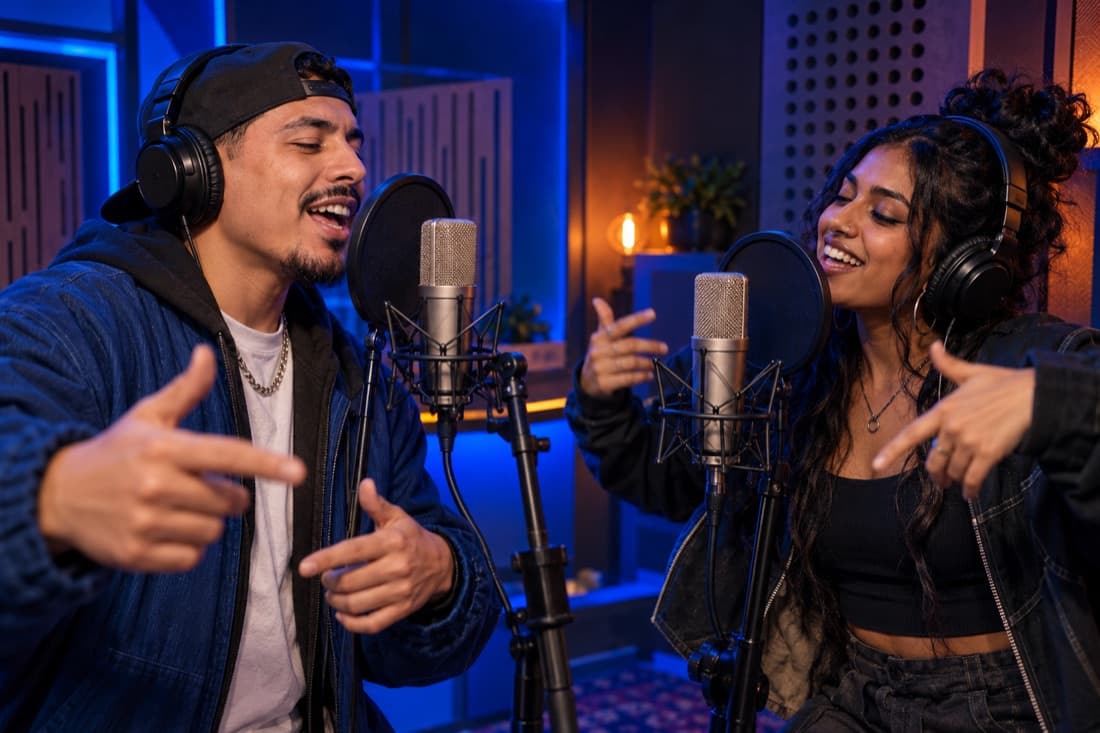
- 03Play and shareFollow the render in your library, watch the result and download your finished clip.
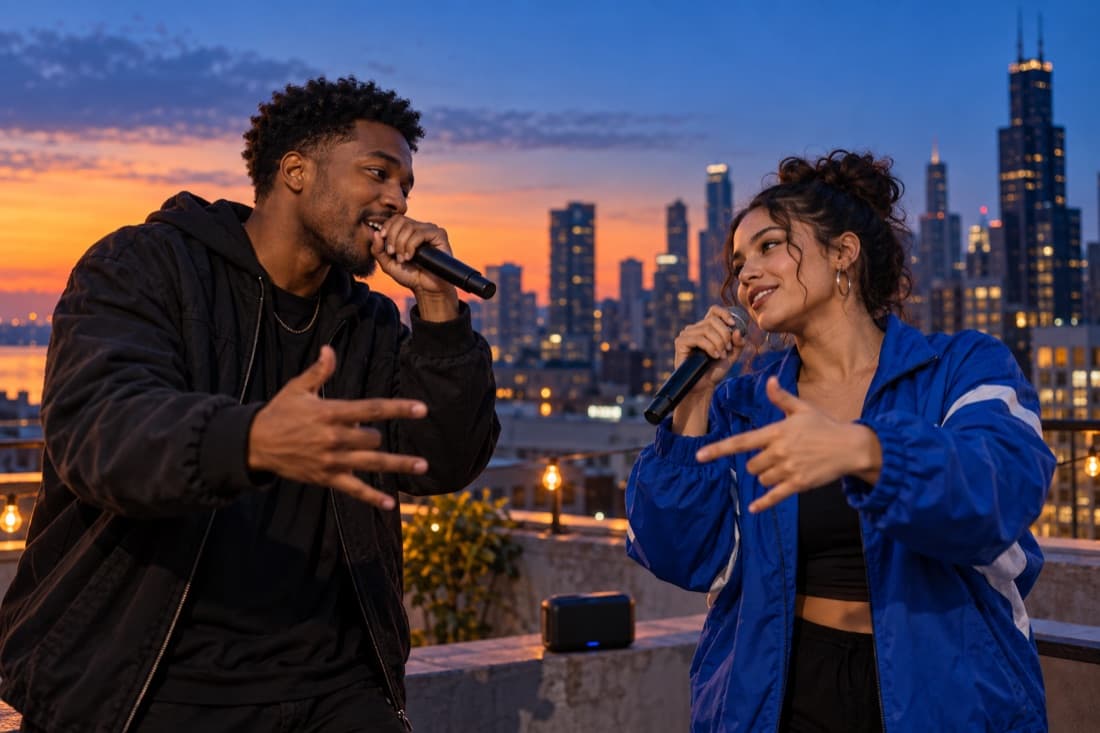
Stage inspiration
AI rap videos for friends and celebrations
Best friend energy
Turn a shared memory into a performance you can send back to the group chat.
A duet for two
Celebrate an anniversary or give your partner a surprise with a new soundtrack.
Birthday headliners
Make the guest of honour the star with a personal topic and a familiar co-star.
The unexpected duo
Bring siblings, colleagues or your favourite two people together on a new stage.
Photo-to-rap video features
Faces from your photos
Separate portraits make it easy to create together even when you are apart.
An original performance
Generate a fresh scene and audio rather than reusing a recording of a famous song.
Four stage directions
Choose the atmosphere that suits your story, from a booth to a street performance.
A format for your feed
Select a vertical, square or landscape frame before generating.
A visible credit estimate
Review the cost for your chosen settings before starting a paid render.
A library you can return to
Your account keeps track of renders and finished videos in one place.
Turn a short topic into a performed rap idea
An AI rap generator can help move a simple premise from a sentence into a performance. This page creates a short two-person video from your photo references, with original rap audio requested as part of the result. The topic field describes what the pair should celebrate, debate or joke about. It is a creative brief for a new clip, rather than a promise to recite a finished song word for word.
A useful premise includes the subject, the relationship and the mood. For example, two friends celebrating their first successful home-cooked dinner is clearer than asking for a rap about success. The specific event gives the performance something to express, while the friendly relationship explains why the performers share the stage.
Give the generator concrete details to work with
Pick one or two details that someone could picture immediately. A forgotten umbrella, a suitcase that will not close or the last train home can anchor a verse more effectively than several abstract adjectives. You can also ask for a celebratory, playful or confident mood. Keep the directions concise enough that the main idea remains obvious.
Avoid packing a short clip with a full biography, several name checks and multiple scene changes. The performance has limited time to introduce two people and establish its rhythm. When exploring alternatives, revise the topic’s central detail first. That gives you a useful creative comparison without changing every visual setting at the same time.
Choose the cast and setting for the rap
Use portraits with visible eyes, clear facial outlines and consistent lighting. Two separate pictures work when the performers are in different places; a group photo works when both subjects are distinct. The generator uses those references to guide appearance, so your input photographs matter more than a long description of what each person looks like.
Choose the recording studio for a focused session, the street stage for casual energy or the luxury lobby for a celebratory scene. The orange stage creates a theatrical shared spotlight. Then select a supported length and frame shape. The editor quotes the available settings before submission, so you can compare the cost of each supported resolution without guessing from a generic quality label.
Listen for a clear idea and natural exchange
A useful generated rap has a theme you can identify, a rhythm that supports the scene and a relationship between the two performers. Listen for whether the result gives both people a role. If one performer seems to dominate the idea, a later topic can explicitly describe them taking turns or celebrating each other’s contribution.
Review the finished audio rather than assuming the requested words will appear exactly. The model may invent phrasing, change details or produce a delivery you did not expect. Keep the version that communicates your idea clearly and download it from your result history. Starting another variation is a new generation; failed provider jobs restore the credits reserved for that job.