Your photos, a new performance
AI Music Video Generator
Create a short music performance from your photos, with a scene and audio generated together.
Made in your browser · Original generated audio · Credits shown before you create
Build your rap duo
Choose your photos and a setting. Review the credit estimate before rendering.
Keep both faces clear and well lit. Use photos with permission. JPEG, PNG, WebP · 8 MB
I have permission to use the people and photos in this video.
The stage is yours
Explore four settings for your next shared performance.
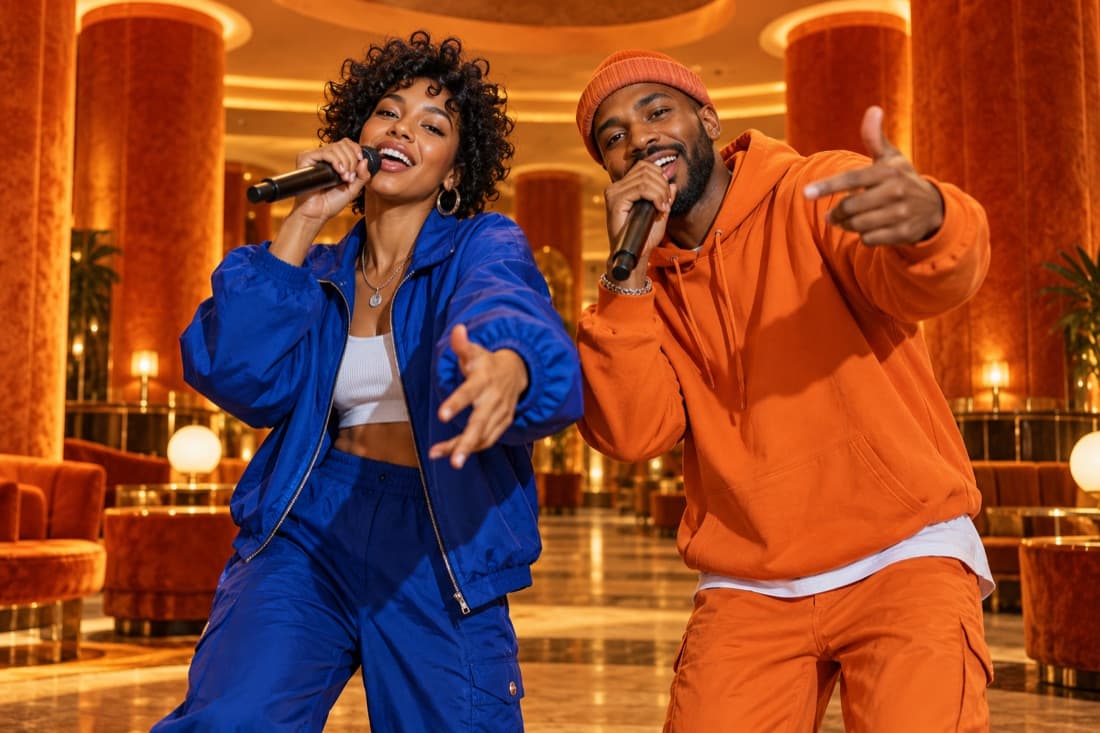
Hotel Lobby
Stage inspiration
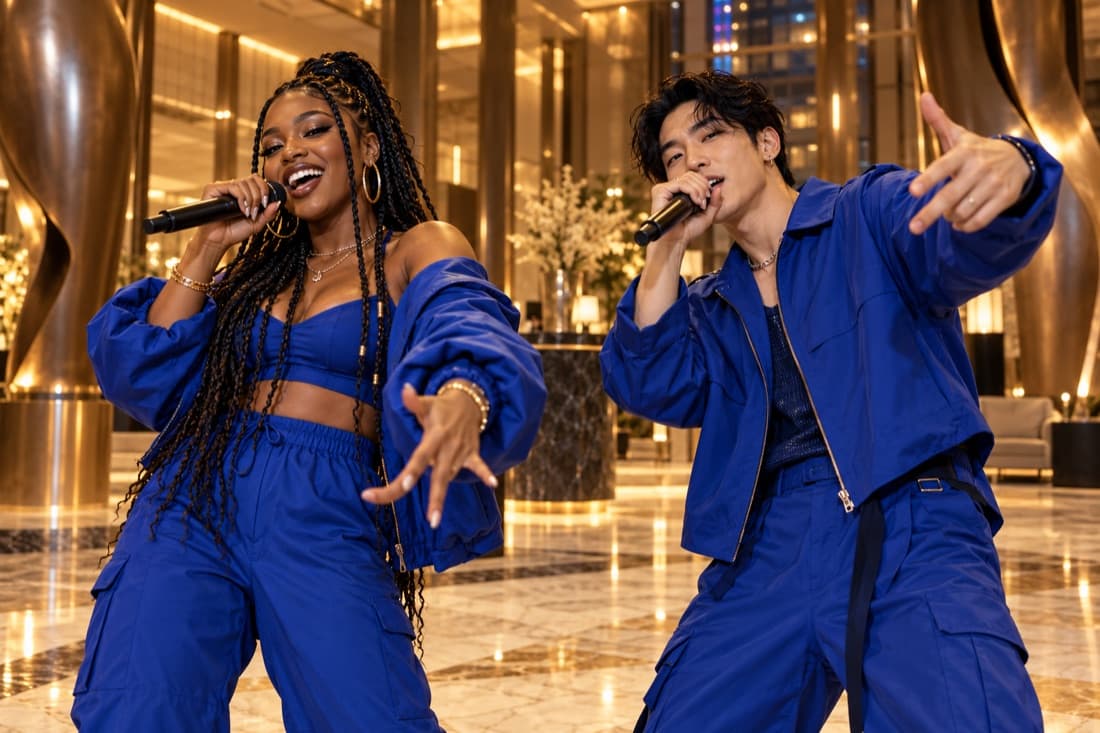
Luxury lobby
Stage inspiration
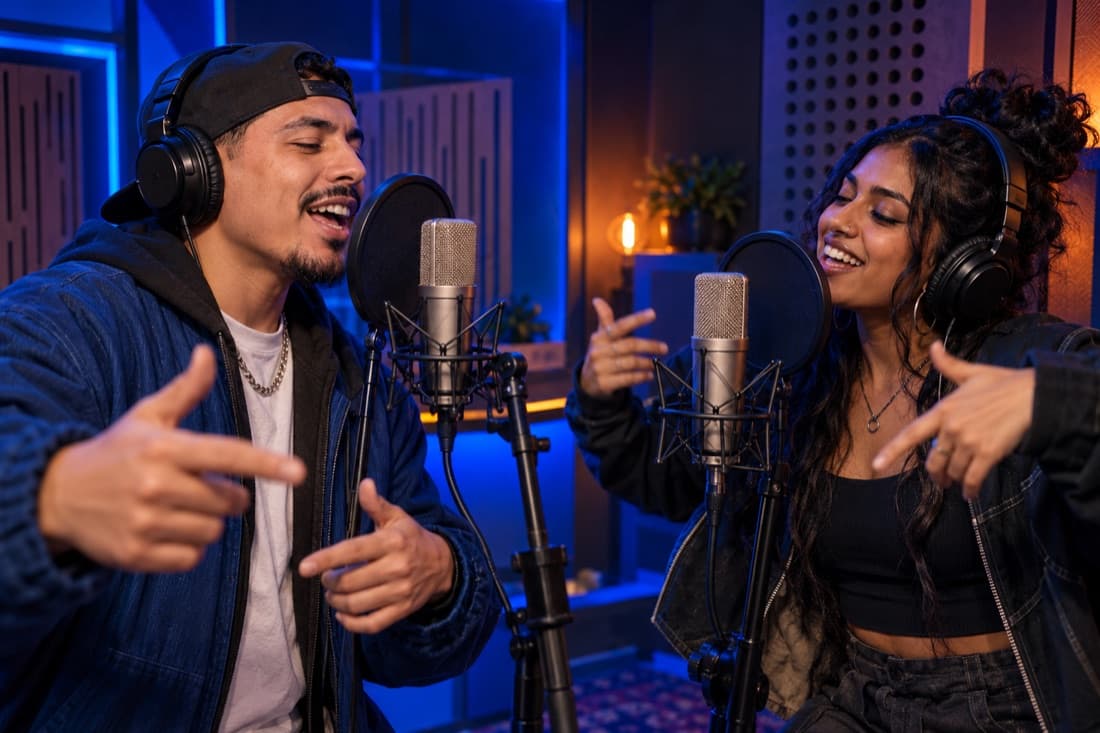
Recording booth
Stage inspiration
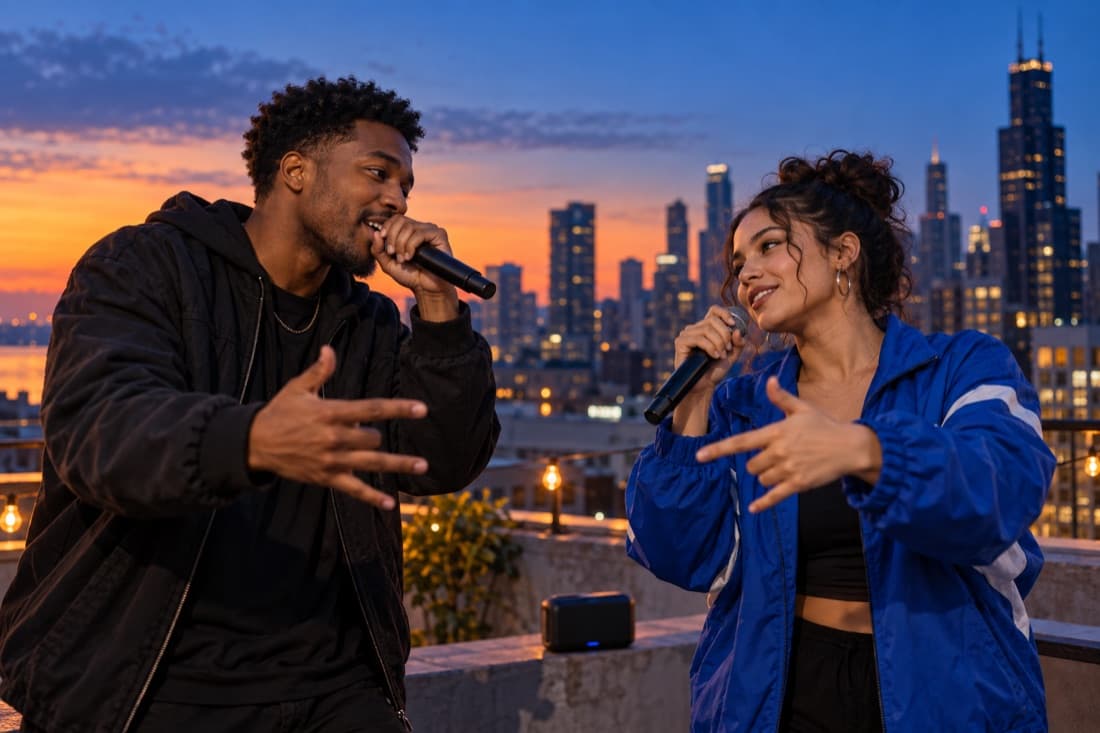
Street cypher
Stage inspiration
ViewMax · Hotel Lobby demo
RapDuo / STUDIO
A photo becomes a performance
Create a short music performance from your photos, with a scene and audio generated together.
Rapduo combines your reference photos with an original scene, movement and generated audio. Bring a friend into the story and make a short clip you can keep or share.
Create our videoFrom selfies to your first verse
Choose your cast, set the mood and let the studio handle the performance.
Bring your two faces
Add separate portraits or one photo with both people clearly visible.
Choose the atmosphere
Pick a stage, set the video format and add a short topic if you want a personal story.
Play and share
Follow the render in your library, watch the result and download your finished clip.
A duo for every occasion
Best friend energy
Turn a shared memory into a performance you can send back to the group chat.
A duet for two
Celebrate an anniversary or give your partner a surprise with a new soundtrack.
Birthday headliners
Make the guest of honour the star with a personal topic and a familiar co-star.
The unexpected duo
Bring siblings, colleagues or your favourite two people together on a new stage.
Built around your next idea
Faces from your photos
Separate portraits make it easy to create together even when you are apart.
An original performance
Generate a fresh scene and audio rather than reusing a recording of a famous song.
Four stage directions
Choose the atmosphere that suits your story, from a booth to a street performance.
A format for your feed
Select a vertical, square or landscape frame before generating.
A visible credit estimate
Review the cost for your chosen settings before starting a paid render.
A library you can return to
Your account keeps track of renders and finished videos in one place.
A music video created around two photo references
An AI music video generator can create the visual scene and sound as one performance. On this page, the workflow begins with two portraits or one group photo, followed by a stage and an optional topic. The output is a short rap duo video with generated movement, an original instrumental direction and vocals requested as part of the scene. You do not need to record a take before trying an idea.
This approach is useful when the music serves a small personal story: two friends describing a trip, a couple celebrating an anniversary or teammates turning a shared achievement into a playful performance. The editor focuses on the pair and the occasion, so you can spend your time choosing a clear concept instead of assembling separate tracks, shots and effects.
Plan the scene before selecting the output settings
Choose a setting that reinforces the subject. A studio booth suggests a focused recording session, while a luxury lobby suits a celebratory reveal. The street scene brings casual energy, and the orange stage places attention on the duo and their gestures. Describe one mood and one concrete detail in the topic field, rather than combining several unrelated locations or stories.
Next, select the frame shape. A 9:16 clip fills a tall phone screen; 16:9 makes room for a wider shared stage; 1:1 creates a compact square composition. Use the model’s supported duration and resolution options. Ten seconds can introduce a pair and a short exchange, while a longer available setting gives the scene more time to develop.
Photo-driven generation and audio-driven editing serve different jobs
Photo-driven generation starts from who appears and what they are doing. It is a practical choice when you want a fresh performance built around familiar faces. Audio-driven editing starts from an existing recording and constructs visuals around that track. Choose that separate type of tool when an exact finished song must remain unchanged.
This editor accepts photo references and a topic; it does not provide an audio upload timeline, transcription workspace or frame-by-frame music editor. The topic guides a newly generated result rather than guaranteeing a verbatim lyric script. If a precise soundtrack or carefully timed cut is essential, complete the generated clip first and use an appropriate editor for the additional production work.
Check the complete audiovisual result
Review a music video with sound enabled and watch from beginning to end. Check whether both performers remain recognizable, whether the vocals suit the theme and whether the body movements feel coherent. A visually appealing first frame does not tell you how the rest of the performance develops. Keep your selection based on the complete clip.
The displayed credit quote reflects the selected model, resolution and duration. A new variation is a separate generation, so change one important creative choice at a time when exploring alternatives. Completed videos appear in your account history for playback and download. The stage example is an attributed ViewMax Hotel Lobby demonstration, and your uploads produce their own result.
AI Music Video Generator · Questions before your first video
Questions before your first video
Explore the studio
Give your next memory a soundtrack
Make a birthday, reunion or ordinary Tuesday feel like your duo’s opening night.
Open the studio