AI Rap Generators: Lyrics, Songs and Videos Explained
Choose a rap workflow by what you want to make: editable bars, a new audio track or a short performance starring your duo.
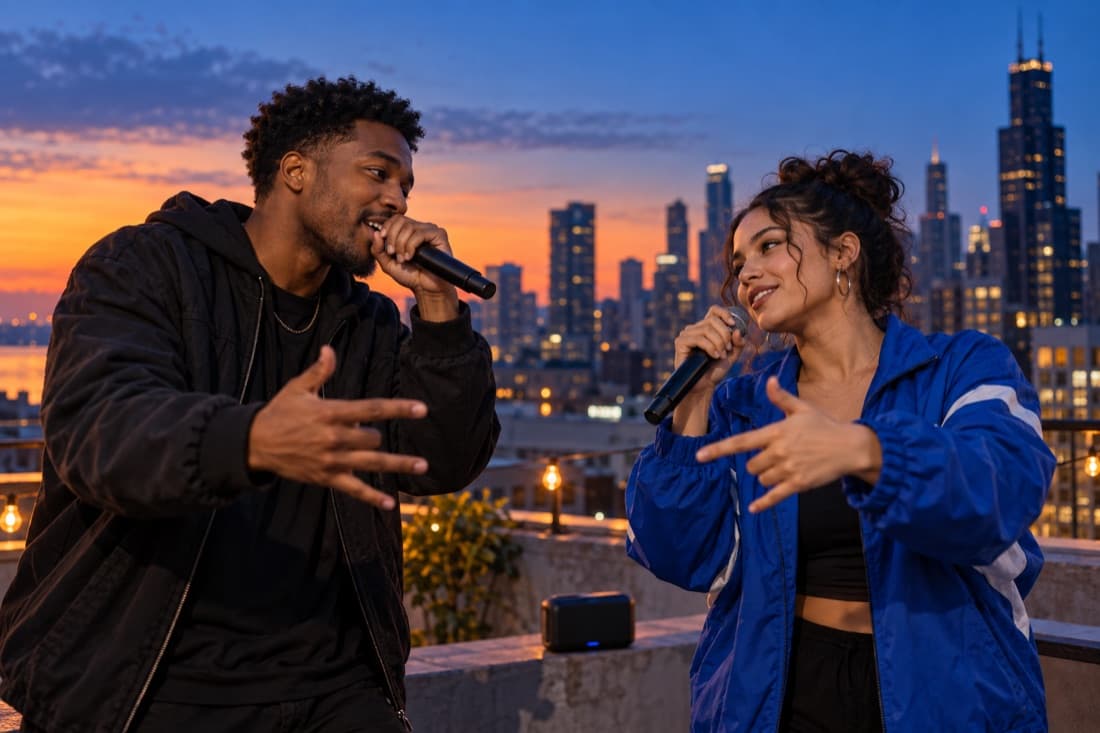
An AI rap generator can mean three different things: a writing assistant that drafts bars, a music model that generates a track, or a performance studio that makes a video. Choose by the output you need. A page of lyrics will not automatically give you a finished song, and a song will not automatically put your face on screen.
For your own recording session, start with editable lyrics. For a new audio idea, start with a music tool. For a playful video of you and a friend, use a photo performance workflow such as Rapduo. This distinction saves more time than picking a product from a long ranked list.
A quick comparison
- Lyrics first: useful for rewriting lines, planning rhyme and leaving space for your own delivery. The output is text you still need to perform.
- Music first: useful for hearing a melody, beat or generated vocal idea. The output is an audio work that may need further editing.
- Video first: useful for a personal message or short social performance. The output includes the visual scene as well as the generated audio.
Treat these as complementary stages. A writing assistant can help you name a topic even when your final video tool creates its own words. A music generator can inspire a mood even when your final project uses a different original soundtrack.
AI lyric tools: keep the editing control
A writing tool is strongest when you ask for a structure you can revise. Start with four short lines around one scene: the setting, the surprising detail, a reaction and the payoff. Read them aloud before you add more. A line can look clever on screen and still be too crowded to rap comfortably.
Give the assistant specific details rather than an artist’s identity. “A confident, playful verse about two friends missing the last train” is more useful than asking it to become a named performer. Keep any material you did not write out of your prompt unless you have the rights to use it.
Revise one element at a time. First make the story clear, then improve the rhythm, then choose the best ending words. If every line uses a different rhyme family and topic, the listener has to work too hard to follow the joke.
AI song tools: hear the idea
Suno and Udio publish official instructions for turning descriptions into songs and using their other creation modes. Review the current workflow directly in Suno’s help centre or Udio’s creation guide. Their features and terms can change, so use their current documentation for availability and rights.
For a first audio experiment, describe one genre direction, one mood and one subject. Avoid asking for incompatible production instructions in the same prompt. Save the versions you like and note the exact prompt, so your next revision has a clear starting point.
A rap video with your duo
Rapduo starts with photos and a topic. The people in the reference images guide the performers, and the scene and sound are generated as part of the short video. You can choose a stage and review the settings before starting the render.
Use the topic field as a compact brief. Include the occasion, one personal detail and the desired tone. “A cheerful reunion for two university friends who always find the best late-night noodles” gives the scene a direction without needing a full verse.
A generated video is an interpretation of your request. Check faces, timing and the words you hear before sharing it. If the result is close but not right, change the most important detail in your brief rather than rewriting the whole idea at once.
How to get a stronger rap idea
Choose a subject your audience recognises in the first few seconds. A birthday, a shared hobby or an everyday mishap gives the performance a simple anchor. Name only the details you want included publicly; private addresses, health information and other sensitive facts do not belong in a joke prompt.
For a duo, decide whether the two people are celebrating together or trading friendly replies. Keep one shared story through the whole clip. The best short topic describes a relationship and a scene, rather than a long biography.
Questions
Which AI rap generator should I choose?
Choose a lyrics tool for editable text, a song tool for audio, or a performance tool for video. Start with the format you intend to keep.
Can Rapduo use my full lyrics?
The studio is designed around a short topic and reference photos. It is not an editor for uploading a full song or arranging each lyric line.
Can I clone a famous rapper’s voice?
Rapduo does not offer celebrity voice cloning. Describe a mood and create a new performance rather than impersonating someone.
What should I write in a rap prompt?
Include the occasion, one recognisable detail and a clear tone. Keep the subject focused enough to fit a short clip.
Is AI rap automatically safe to publish?
No tool can guarantee every publishing context. Review the inputs, the result, consent and the platform rules before posting.
Try an AI rap video, find original clean joke ideas, or explore friendly battle topics.
Written by Rapduo Editorial. Product capabilities were checked against the official help pages linked above. Prompt examples and workflow advice are original editorial material.